Service Modes, Error Codes, and Fault Finding
EN 8 LGE PDP5.
5. Service Modes, Error Codes, and Fault Finding
Index of this chapter:
5.1 Quick Module Check PDP42V7*
5.2 Detailed Module Check PDP42V7*
5.3 Detailed PSU Check PDP42V7*
5.1 Quick Module Check PDP42V7*
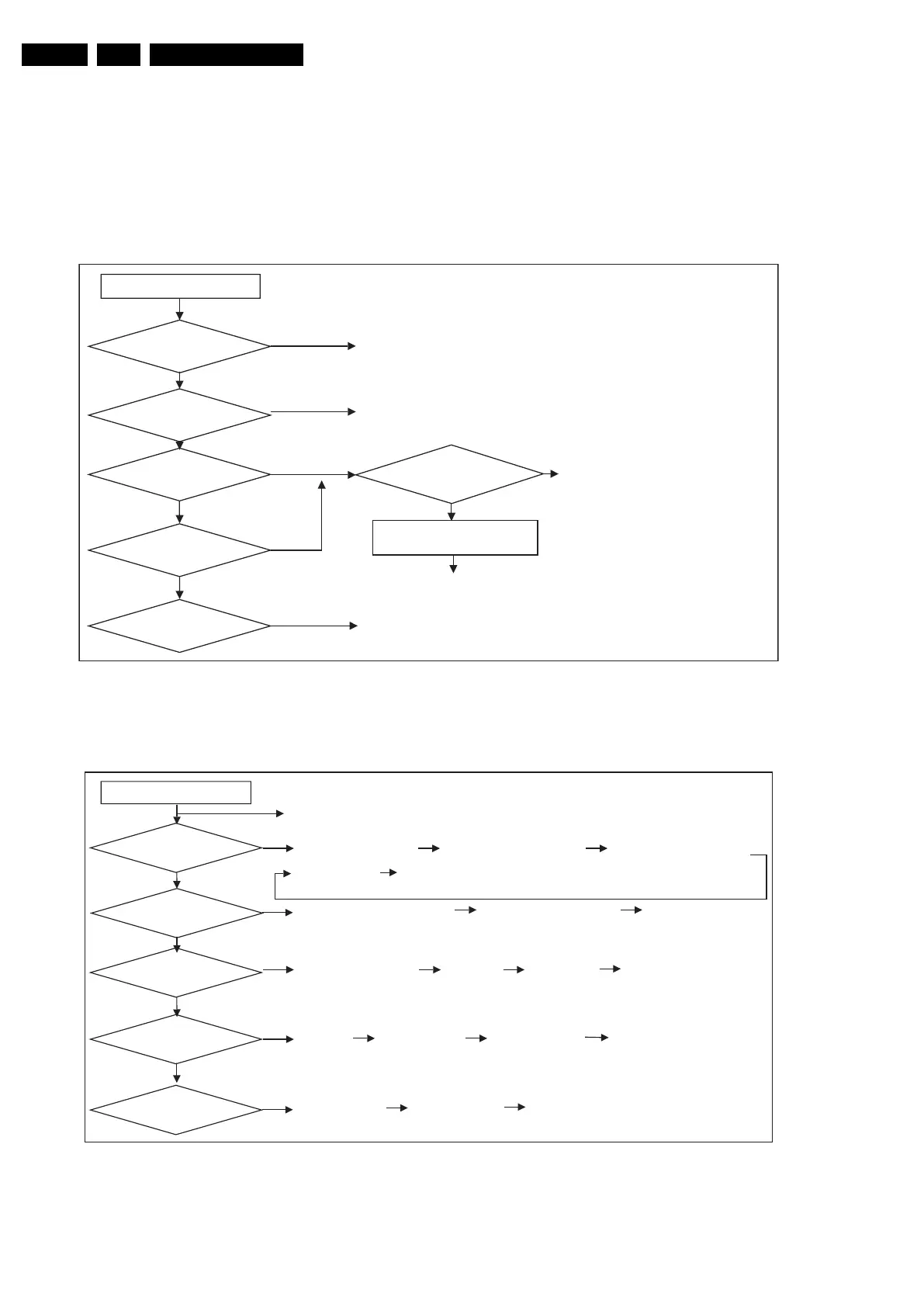
Figure 5-1 Logical judgement
Figure 5-2 Quick check
What kind of defect?
Horizontal defect?
Vertical defect?
Please follow the “No display” trouble shooting way (see figure below).
No display?
Dark display?
Please follow the “Dark display” trouble shooting way (see figure below).
Bar defect appeared?
Please follow “Bar defect” trouble shooting
way (see figure below).
Line defect
Please follow the “Line defect” trouble shooting way (see figure below).
Mis–discharge
on screen?
Please follow the “Mis-discharge” trouble shooting way (see figure below).
F_15590_064.eps
050705
Trouble Shooting
Horizontal defect?
Vertical defect?
Mis –discharge
on screen?
No display?
Check model No. of module, all connectors and cables.
Check panel appearance
Check PSU output (Va,Vs,5v)
Check Y, Z B/D Input
voltage
Replace Ctrl B/D
Replace Y, Z B/D
Dark display ?
Check IPM of Y SUS ,Z B/D Replace YDR B/D
Check all cables and connectors
Replace Ctrl B/D
Check panel appearance Check TCP Replace X B/D
Replace Ctrl B/D
Check FPC Replace YDR B/D
Replace YSUS B/D
Replace Ctrl B/D
Replace YDR B/D
Replace YSUS B/D
F_15590_063.eps
050705



 To Next Page
 Loading...