EasyManua.ls Logo

Philips PM3350A - Page 105

Philips PM3350A
109 pages
Print Icon
To Next Page IconTo Next Page
To Previous Page IconTo Previous Page
Loading...
6
-
2
6
APPLICATION
PRESELECT
MENU
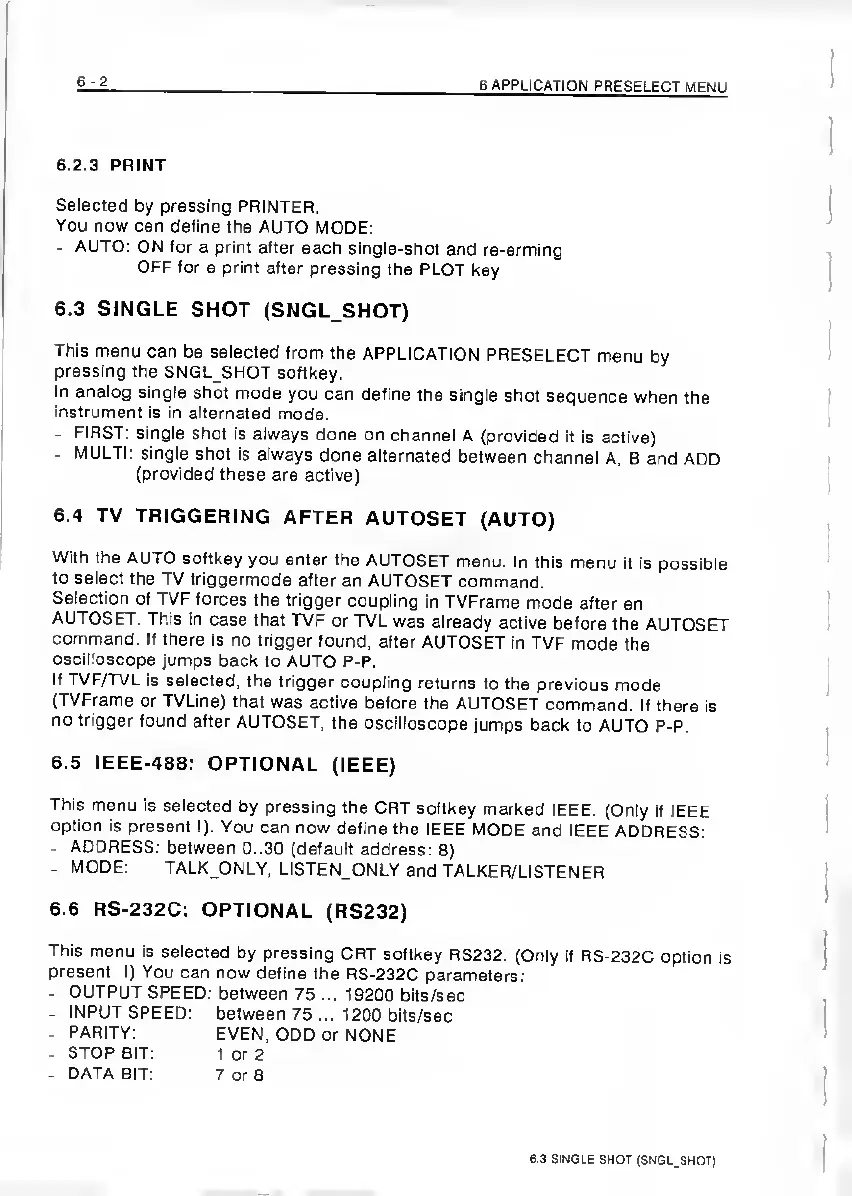
6.2.3
PRINT
Selected
by
pressing
PRINTER.
You
now
can
define
the
AUTO
MODE;
-
AUTO:
ON
for
a
print
after
each
single-shot
and
re-arming
OFF
for
a
print
after
pressing
the
PLOT
key
6.3
SINGLE
SHOT
(SNGL_SHOT)
This
menu
can
be
selected
from
the
APPLICATION
PRESELECT
menu
by
pressing
the
SNGL_SHOT
softkey.
In
analog
single
shot
mode
you
can
define
the
single
shot
sequence
when
the
instrument
is
in
alternated
mode.
-
FIRST:
single
shot
is
always
done
on
channel
A
{provided
it
Is
active)
-
MULTI;
single
shot
Is
always
done
alternated
between
channel
A,
B
and
ADD
(provided
these
are
active)
6.4
TV
TRIGGERING
AFTER
AUTOSET
(AUTO)
With
the
AUTO
softkey
you
enter
the
AUTOSET
menu.
In
this
menu
it
is
possible
to
select
the
TV
triggermode
after
an
AUTOSET
command.
Selection
of
TVF
forces
the
trigger
coupling
in
TVFrame
mode
after
an
AUTOSET.
This
in
case
that
TVF
or
TVL
was
already
active
before
the
AUTOSET
command.
If
there
is
no
trigger
found,
after
AUTOSET
in
TVF
mode
the
oscilloscope
Jumps
back
to
AUTO
P-P.
If
TVF/TVL
is
selected,
the
trigger
coupling
returns
to
the
previous
mode
(TVFrame
or
TVLine)
that
was
active
before
the
AUTOSET
command.
If
there
is
no
trigger
found
after
AUTOSET,
the
oscilloscope
jumps
back
to
AUTO
P-P.
6.5
IEEE-488:
OPTIONAL
(IEEE)
This
menu
is
selected
by
pressing
the
CRT
softkey
marked
IEEE.
(Only
if
IEEE
option
Is
present!).
You
can
now
define
the
IEEE
MODE
and
IEEE
ADDRESS:
-
ADDRESS:
between
0..30
(default
address:
8)
-
MODE:
TALK_ONLY,
LISTEN
ONLY
and
TALKER/LISTENER
6.6
RS-232C:
OPTIONAL
(RS232)
This
menu
is
selected
by
pressing
CRT
softkey
RS232.
(Only
if
RS-232C
option
is
present
I)
You
can
now
define
the
RS-232C
parameters;
-
OUTPUT
SPEED;
between
75
...
19200
bits/sec
-
INPUT
SPEED;
between
75
...
1200
bits/sec
-
PARITY:
EVEN,
ODD
or
NONE
-
STOP
SIT:
1
or
2
-
DATA
BIT:
7
or
8
6
3
SINGLE
SHOT
(SNGL.SHOT)

Related product manuals