EasyManua.ls Logo

Philips PM3350A - Page 76

Philips PM3350A
109 pages
Print Icon
To Next Page IconTo Next Page
To Previous Page IconTo Previous Page
Loading...
4
APPLICATIONS
4
-
43
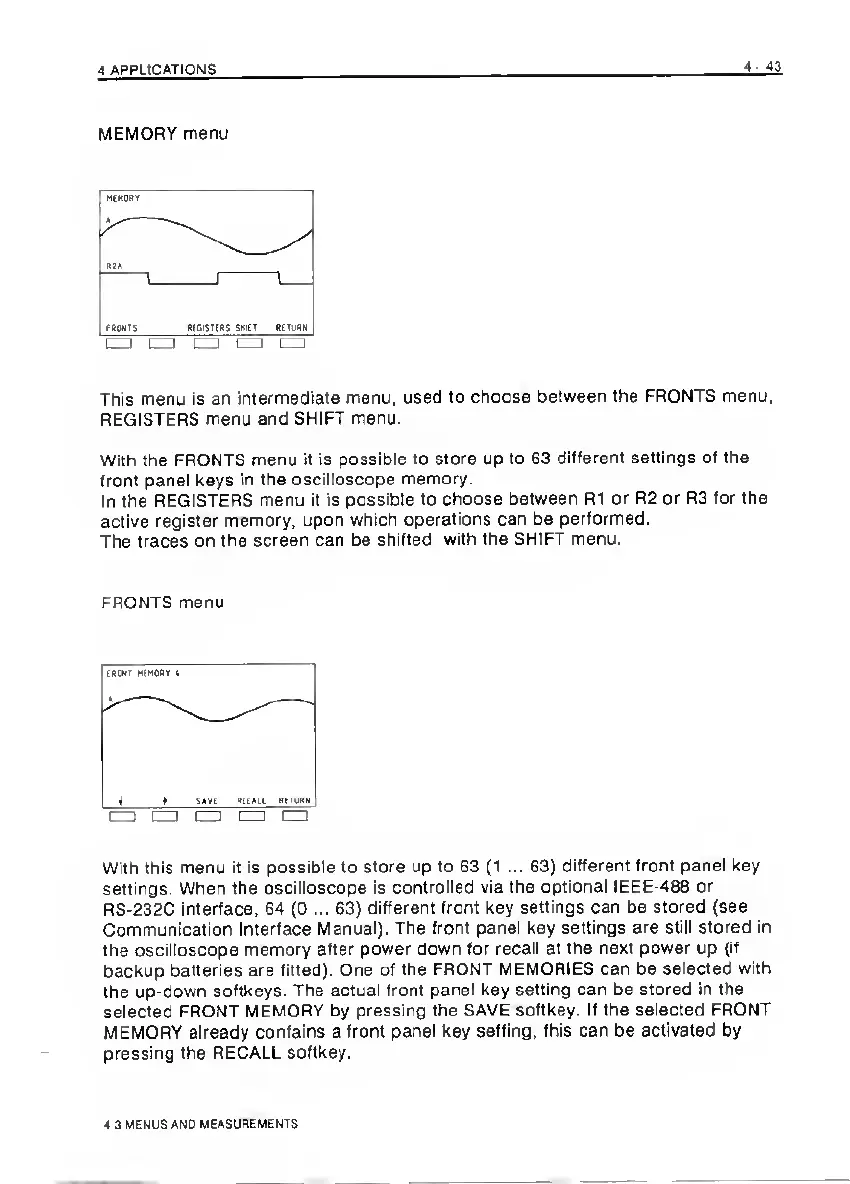
MEMORY
menu
This
menu
is
an
intermediate
menu,
used
to
choose
between
the
FRONTS
menu,
REGISTERS
menu
and
SHIFT
menu.
With
the
FRONTS
menu
it
is
possible
to
store
up
to
63
different
settings
of
the
front
panel
keys
in
the
oscilloscope
memory.
In
the
REGISTERS
menu
it
is
possible
to
choose
between
R1
or
R2
or
R3
for
the
active
register
memory,
upon
which
operations
can
be
performed.
The
traces
on
the
screen
can
be
shifted
with
the
SHIFT
menu.
FRONTS
menu
With
this
menu
it
is
possible
to
store
up
to
63
{1
...
63)
different
front
panel
key
settings.
When
the
oscilloscope
is
controlled
via
the
optional
IEEE-488
or
RS-232C
interface,
64
(O
...
63)
differertt
front
key
settings
can
be
stored
(see
Communication
Interface
Manual).
The
front
panel
key
settings
are
still
stored
in
the
oscilloscope
memory
after
power
down
for
recall
at
the
next
power
up
(if
backup
batteries
are
fitted).
One
of
the
FRONT
MEMORIES
can
be
selected
with
the
up-down
softkeys.
The
actual
front
panel
key
setting
can
be
stored
in
the
selected
FRONT
MEMORY
by
pressing
the
SAVE
softkey.
If
the
selected
FRONT
MEMORY
already
contains
a
front
panel
key
setting,
this
can
be
activated
by
pressing
the
RECALL
softkey.
4
3
MENUS
AND
MEASUREMENTS

Related product manuals