EasyManua.ls Logo

Philips PM3350A - Page 75

Philips PM3350A
109 pages
Print Icon
To Next Page IconTo Next Page
To Previous Page IconTo Previous Page
Loading...
a
-
A2
4
APPLICATIONS
PROCESS
ENVELOPE
menu
l>IIOCESS
ENV(L0PC
ON
-nOO
_n_j
9H/Vf
Mit
NtlUV*i
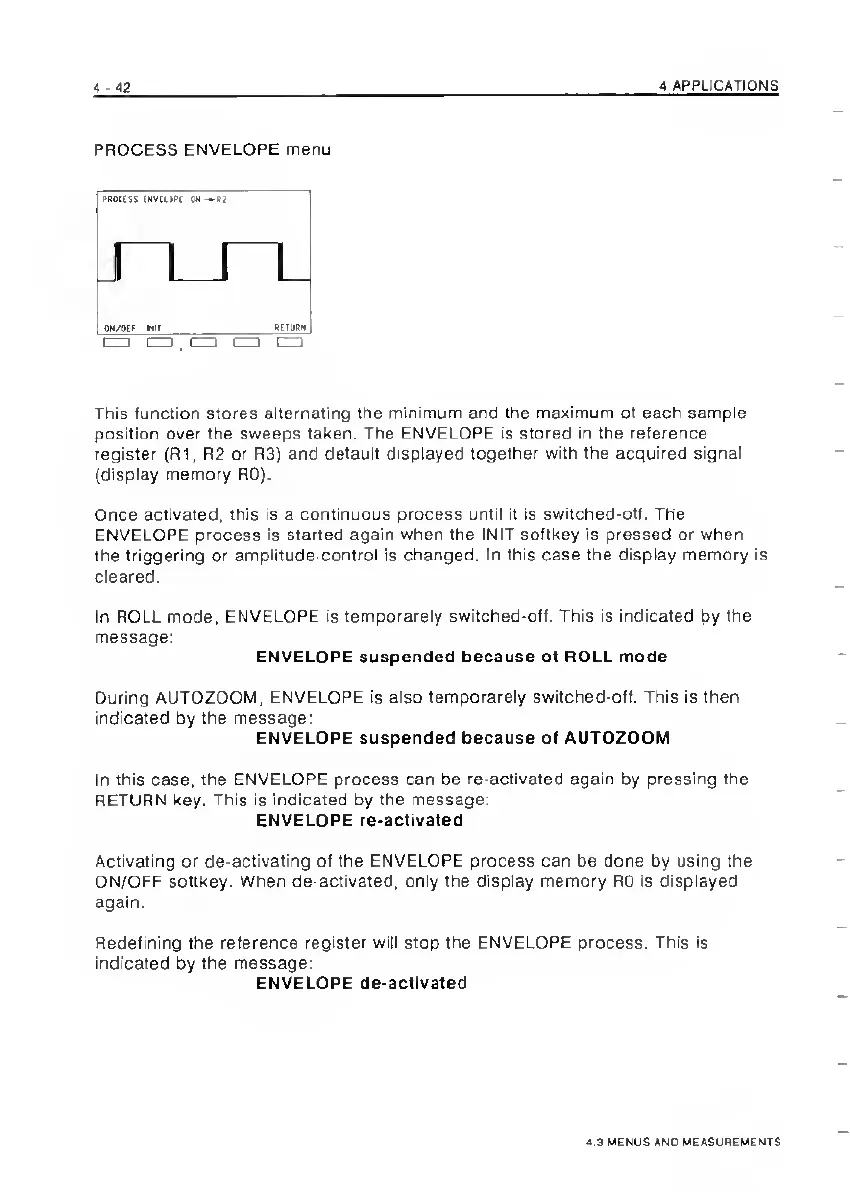
This
function
stores
alternating
the
minimum
and
the
maximum
of
each
sample
position
over
the
sweeps
taken.
The
ENVELOPE
is
stored
in
the
reference
register
(R1,
R2
or
R3}
and
default
displayed
together
with
the
acquired
signal
(display
memory
RO).
Once
activated,
this
is
a
continuous
process
until
it
is
switched-off.
The
ENVELOPE
process
is
started
again
when
the
INIT
softkey
is
pressed
or
when
the
triggering
or
amplitude-control
is
changed.
In
this
case
the
display
memory
is
cleared.
In
ROLL
mode,
ENVELOPE
is
temporarely
switched-off.
This
is
indicated
by
the
message:
ENVELOPE
suspended
because
of
ROLL
mode
During
AUTOZOOM,
ENVELOPE
is
also
temporarely
switched-off.
This
is
then
indicated
by
the
message:
ENVELOPE
suspended
because
of
AUTOZOOM
In
this
case,
the
ENVELOPE
process
can
be
re-activated
again
by
pressing
the
RETURN
key.
This
is
indicated
by
the
message:
ENVELOPE
re-activated
Activating
or
de-activating
of
the
ENVELOPE
process
can
be
done
by
using
the
ON/OFF
softkey.
When
de-activated,
only
the
display
memory
RO
is
displayed
again.
Redefining
the
reference
register
will
stop
the
ENVELOPE
process.
This
is
indicated
by
the
message;
ENVELOPE
de-actIvated
<.3
UEMUS
AND
MEASUREMENTS

Related product manuals