EasyManua.ls Logo

Philips PM3350A - Page 74

Philips PM3350A
109 pages
Print Icon
To Next Page IconTo Next Page
To Previous Page IconTo Previous Page
Loading...
4
APPLICATIONS
4
-
41
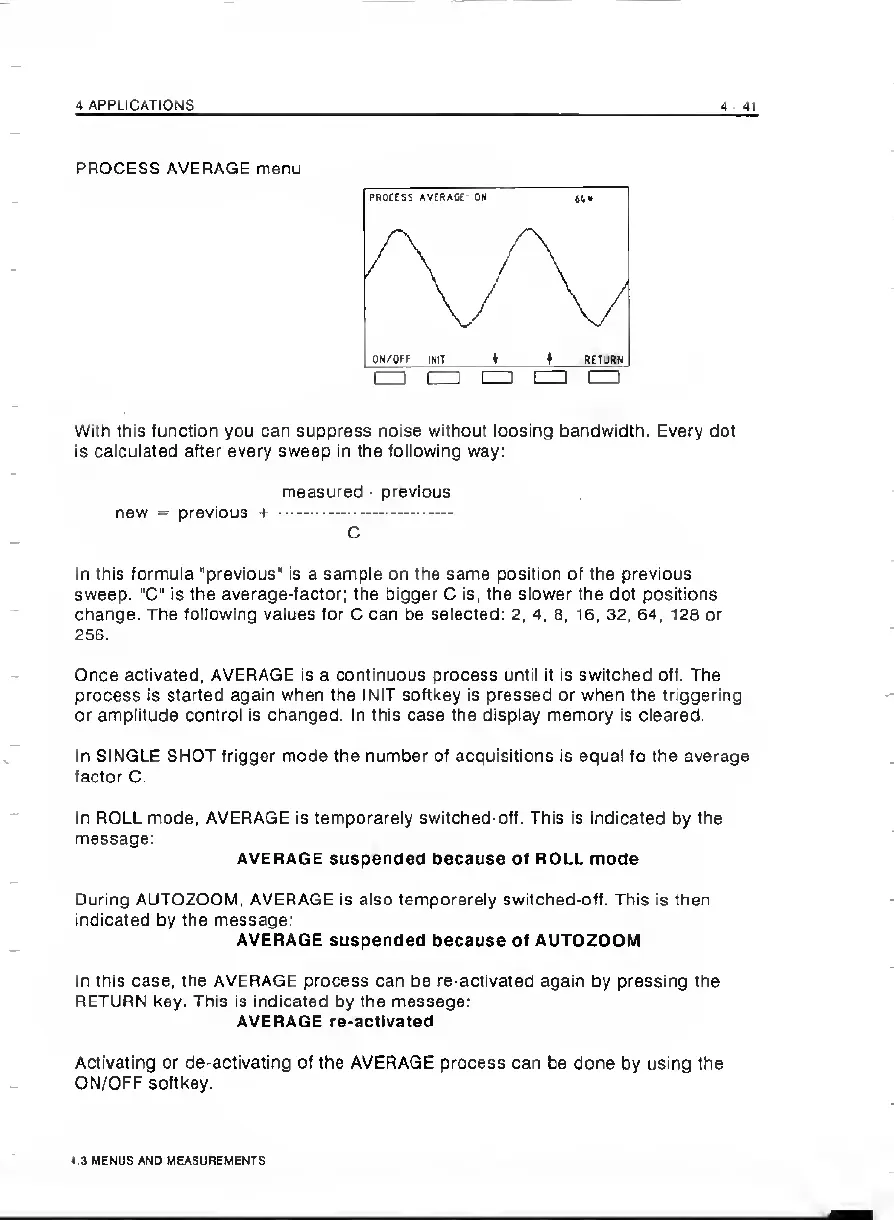
PROCESS
AVERAGE
menu
With
this
function
you
can
suppress
noise
without
loosing
bandwidth.
Every
dot
is
calculated
after
every
sweep
in
the
following
way:
measured
-
previous
new
=
previous
+
.
C
In
this
formula
"previous'
is
a
sample
on
the
same
position
of
the
previous
sweep-
"C
is
the
average-factor;
the
bigger
C
is,
the
slower
the
dot
positions
change.
The
following
values
for
C
can
be
selected:
2,
4,
8,
16,
32,
64,
128
or
256.
Once
activated,
AVERAGE
is
a
continuous
process
until
it
is
switched
off.
The
process
is
started
again
when
the
INIT
softkey
is
pressed
or
when
the
triggering
or
amplitude
control
is
changed.
In
this
case
the
display
memory
is
cleared.
In
SINGLE
SHOT
trigger
mode
the
number
of
acquisitions
is
equal
to
the
average
factor
C.
In
ROLL
mode,
AVERAGE
is
temporarely
switched-off.
This
is
indicated
by
the
message:
AVERAGE
suspended
because
of
ROLL
mode
During
AUTOZOOM,
AVERAGE
is
also
temporarely
switched-off.
This
is
then
indicated
by
the
message.
AVERAGE
suspended
because
of
AUTOZOOM
In
this
case,
the
AVERAGE
process
can
be
re-activated
again
by
pressing
the
RETURN
key.
This
is
indicated
by
the
message;
AVERAGE
re-actIvated
Activating
or
de-activating
of
the
AVERAGE
process
can
be
done
by
using
the
ON/OFF
softkey.
4.3
MENUS
AND
MEASUREMENTS

Related product manuals