EasyManua.ls Logo

Philips PM3350A - Page 73

Philips PM3350A
109 pages
Print Icon
To Next Page IconTo Next Page
To Previous Page IconTo Previous Page
Loading...
4
-
40
4
APPLICATIONS
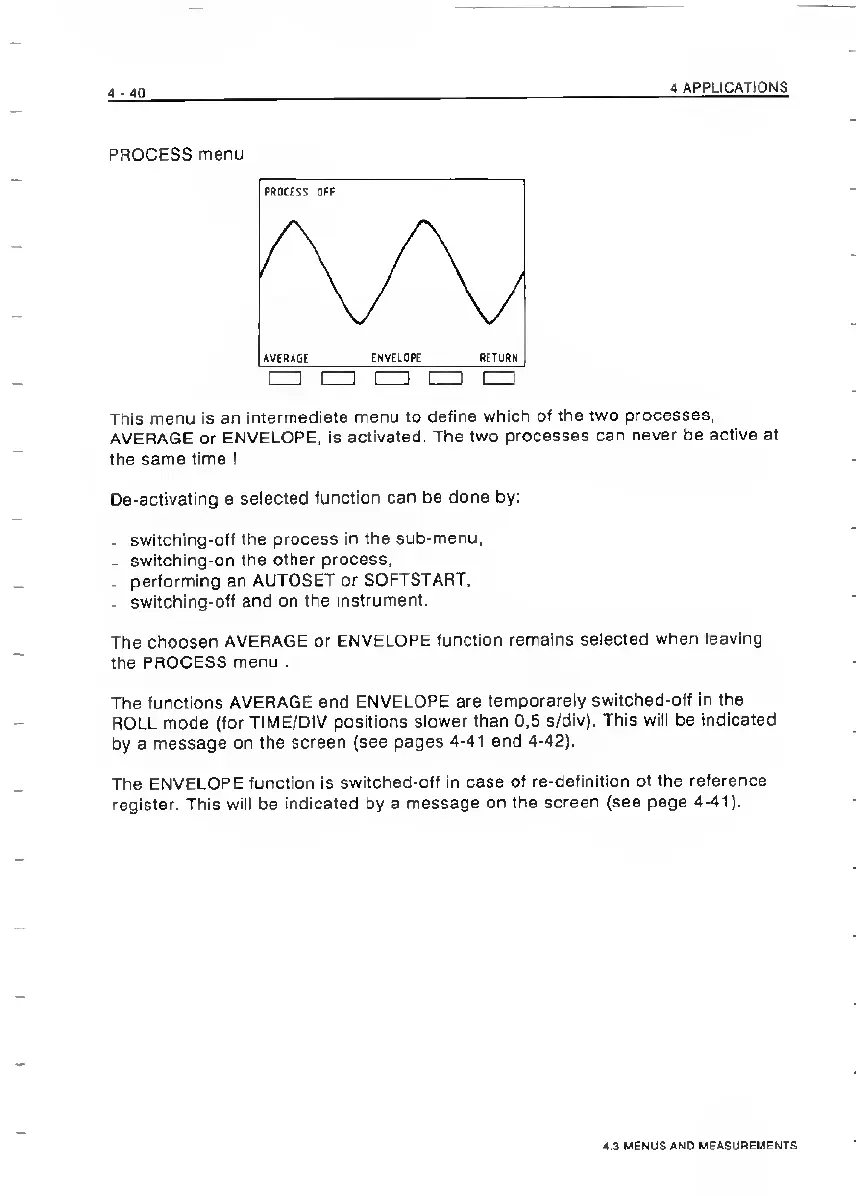
PROCESS
menu
This
menu
is
an
intermediate
menu
to
define
which
of
the
two
processes,
AVERAGE
or
ENVELOPE,
is
activated.
The
two
processes
can
never
be
active
at
the
same
time
!
De-activating
a
selected
function
can
be
done
by:
.
switching-ofi
the
process
in
the
sub-menu,
-
switching-on
the
other
process,
.
performing
an
AUTOSET
or
SOFTSTART,
-
switching-off
and
on
the
instrument.
The
choosen
AVERAGE
or
ENVELOPE
function
remains
selected
when
leaving
the
PROCESS
menu
.
The
functions
AVERAGE
and
ENVELOPE
are
temporarely
switched-off
in
the
ROLL
mode
(for
TIME/DIV
positions
slower
than
0.5
s/div).
This
will
be
indicated
by
a
message
on
the
screen
(see
pages
4-41
and
4-42).
The
ENVELOPE
function
is
switched-off
in
case
of
re-definition
of
the
reference
register.
This
will
be
indicated
by
a
message
on
the
screen
(see
page
4-41).
4.3
MENUS
AND
MEASUREMENTS

Related product manuals