EasyManua.ls Logo

Philips PM3350A - Page 72

Philips PM3350A
109 pages
Print Icon
To Next Page IconTo Next Page
To Previous Page IconTo Previous Page
Loading...
4
APPLICATIONS
4
-
39
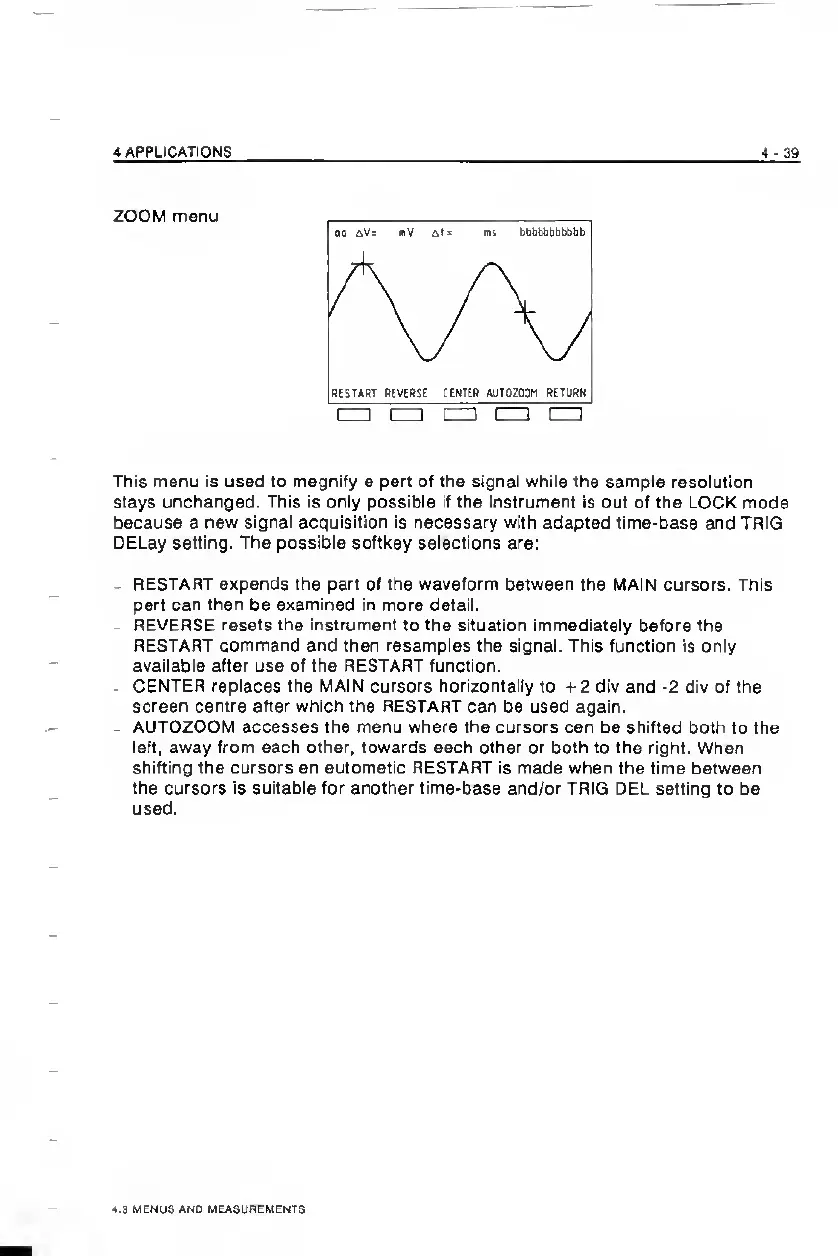
ZOOM
menu
This
menu
Is
used
to
magnify
a
part
of
the
signal
while
the
sample
resolution
stays
unchanged.
This
is
only
possible
if
the
instrument
is
out
of
the
LOCK
mode
because
a
new
signal
acquisition
is
necessary
with
adapted
time-base
and
TRIG
DELay
setting.
The
possible
softkey
selections
are:
-
RESTART
expands
the
part
of
the
waveform
between
the
MAIN
cursors.
This
part
can
then
be
examined
in
more
detail.
-
REVERSE
resets
the
instrument
to
the
situation
immediately
before
the
RESTART
command
and
then
resamples
the
signal.
This
function
is
only
available
after
use
of
the
RESTART
function.
.
CENTER
replaces
the
MAIN
cursors
horizontally
to
-i-2
div
and
-2
div
of
the
screen
centre
after
which
the
RESTART
can
be
used
again.
-
AUTOZOOM
accesses
the
menu
where
the
cursors
can
be
shifted
both
to
the
left,
away
from
each
other,
towards
each
other
or
both
to
the
right.
When
shifting
the
cursors
an
automatic
RESTART
is
made
when
the
time
between
the
cursors
is
suitable
for
another
time-base
and/or
TRIG
DEL
setting
to
be
used.
t.3
MENUS
AND
MEASUREMENTS

Related product manuals