30
7.3 Set alarm ringer
melody
There are three alarm ringer
melodies.
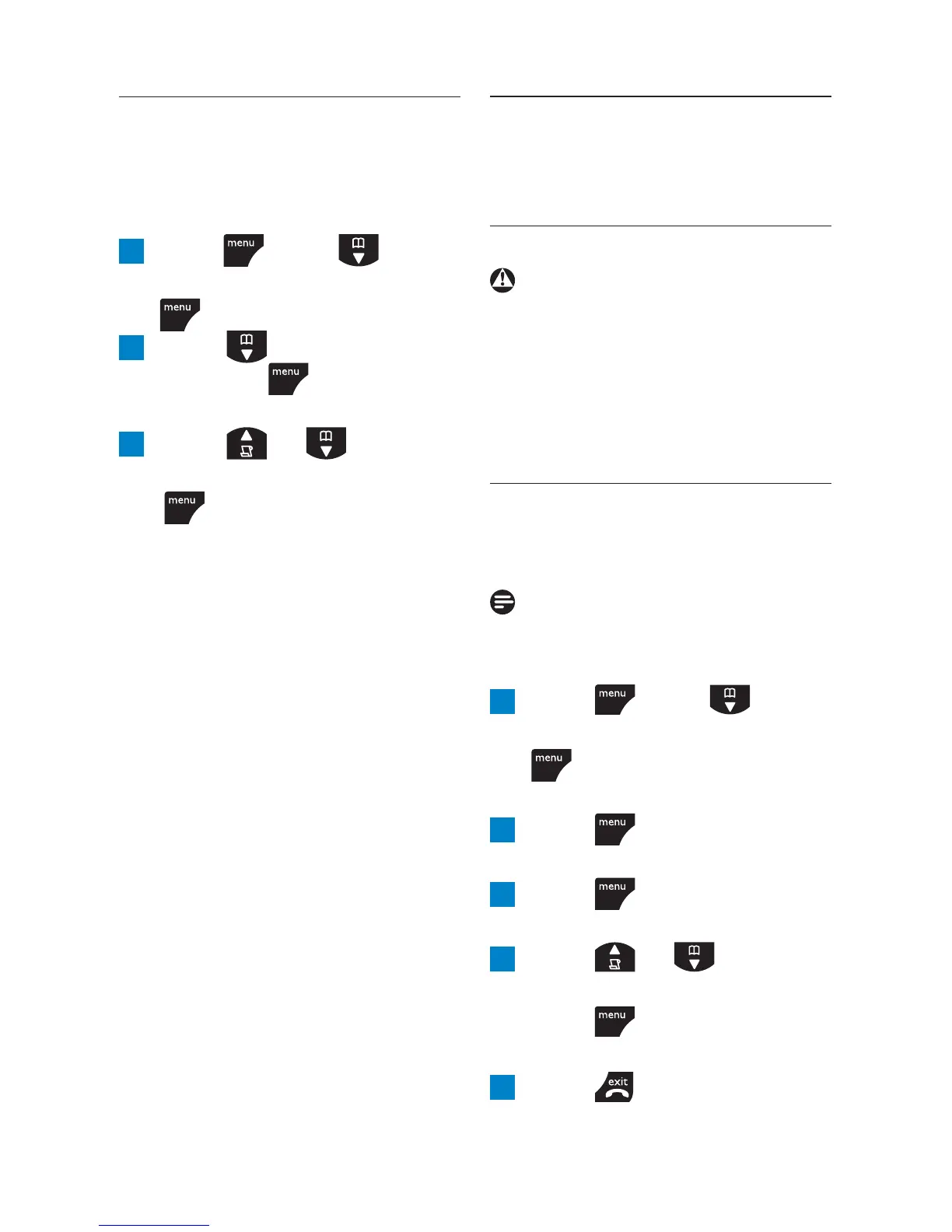
1 Press , scroll to
CLOCK/ALARM
and press
.
2 Scroll to
ALARM TONE
and press
.
Melodies are played.
3 Scroll or to
MELODY 1
,
2
or
3
and press
.
8 Personal settings
8.1 Handset tones
Warning
When the phone is ringing,
avoid holding the earpiece too
close to your ear as it may
damage your hearing.
8.1.1 Ring volume
Choose from : Ringer Off, Low,
Medium, High and Boost.
Note
The default setting is High.
1 Press , scroll to
PERSONAL SET
and press
.
HANDSET TONE
is displayed.
2 Press .
RING VOLUME
is displayed.
3 Press .
The current volume is played.
4 Press or to adjust
the ringer volume level and
press
to save the
setting.
5 Press to return to
standby.
Personal settings



 To Next Page