35
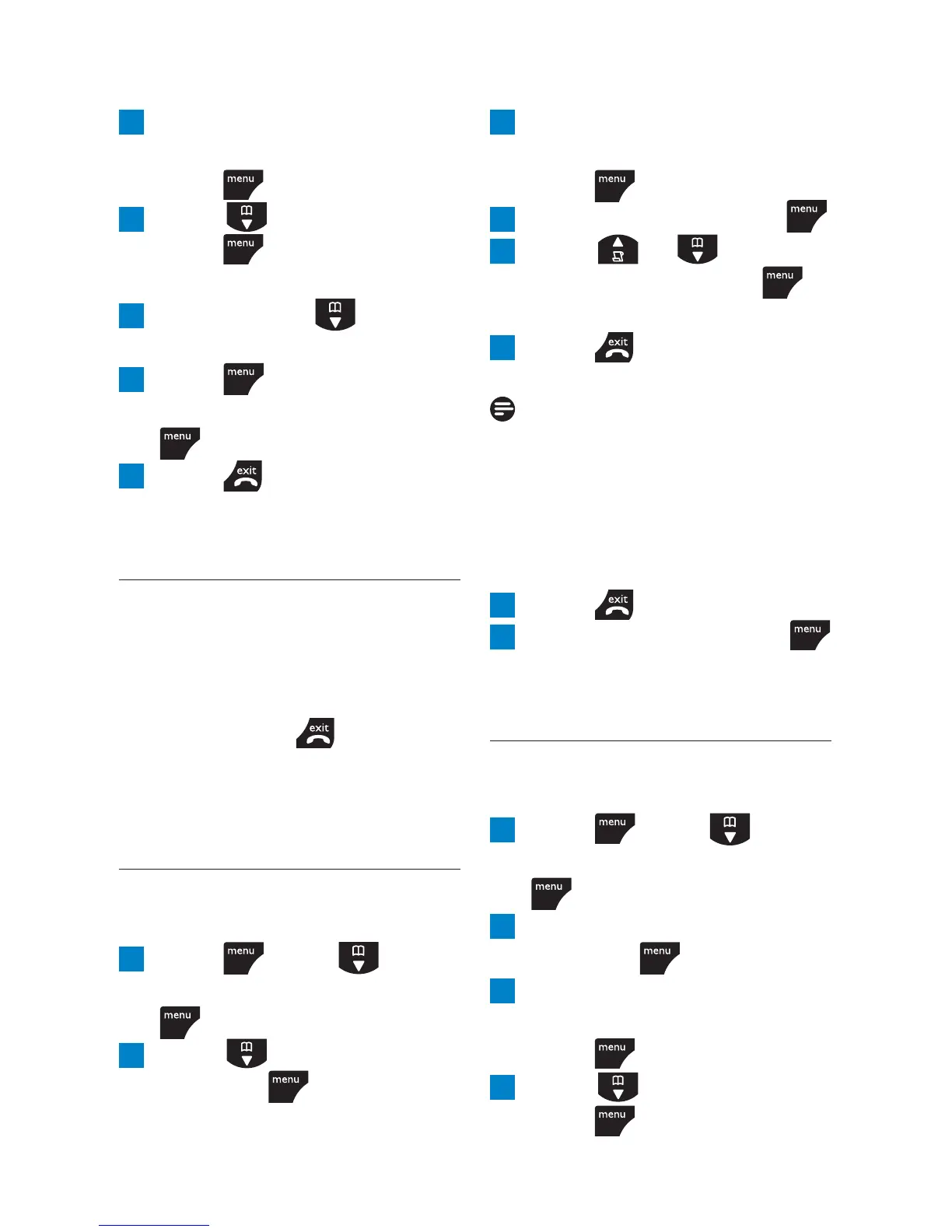
3 Enter the master PIN
(default setting 0000) and
press
.
4 Scroll to
NUMBER
and
press
.
NUMBER 1
is displayed.
5 You can scroll to the
next number, if needed.
6 Press and enter the
digits you want to bar. Press
to confi rm
7 Press to return to
standby.
9.4 Baby call
When activated, this feature
allows you to dial a number
by pressing any key on your
handset (except
). This
feature is very useful for access
to emergency services.
9.4.1 Switch baby call on
or off
1 Press , scroll to
ADVANCED SET
and press
.
2 Scroll to
BABY CALL
and press
.
3 Enter the master PIN
(default setting 0000) and
press
.
4
MODE
is displayed. Press .
5 Scroll or to select
ON
or
OFF
and press
to confi rm.
6 Press to return to
standby.
Note
If you switch Baby Call on,
BABY CALL ON
will be displayed
on your screen in standby
mode.
To switch Baby call off again :
1 Press .
2
OFF?
is displayed. Press
to confi rm.
9.4.2 Set the baby call
number
1 Press , scroll to
ADVANCED SET
and press
.
2 Scroll down to
BABY CALL
and press
.
3 Enter the master PIN
(default setting 0000) and
press
.
4 Scroll to
NUMBER
and
press
.
Advanced settings



 To Next Page