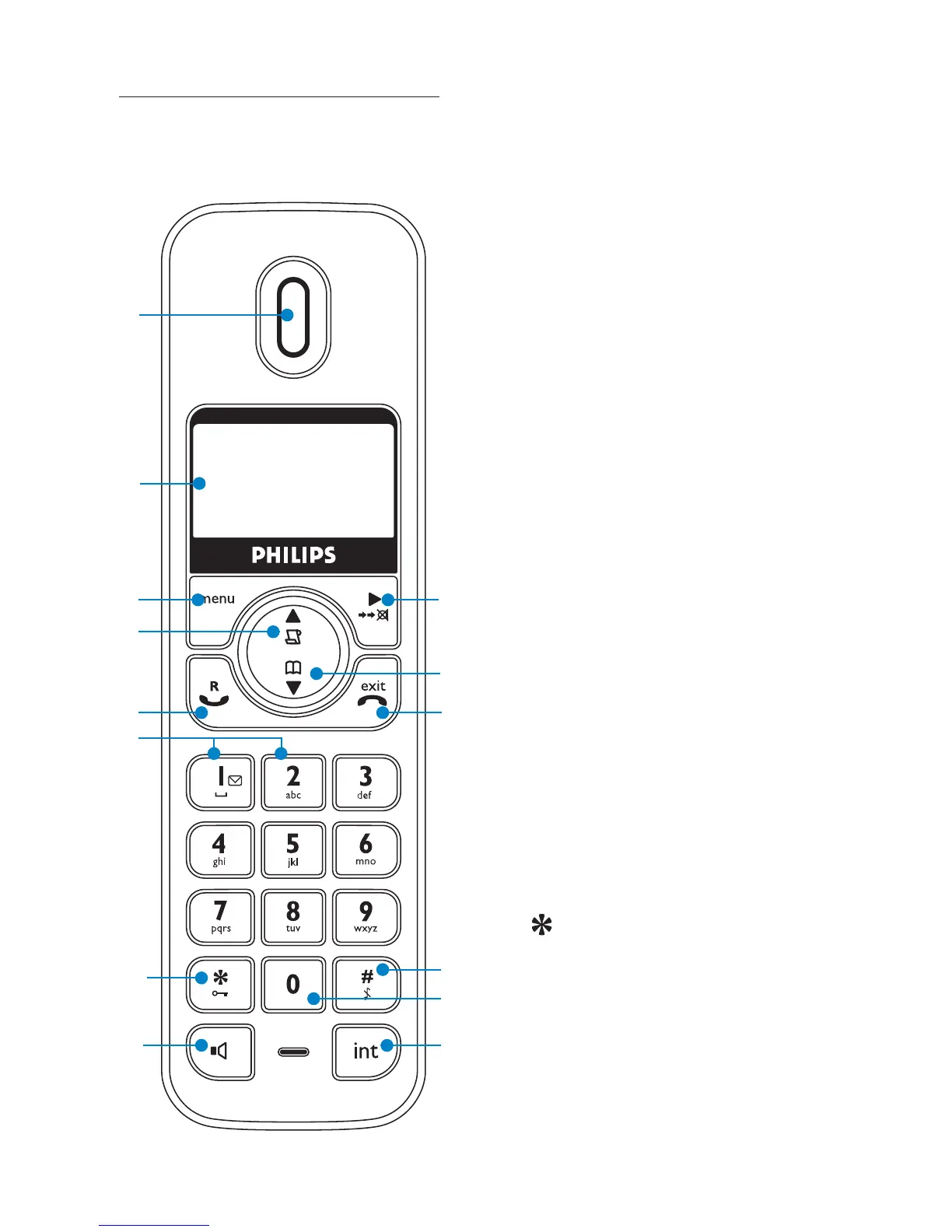
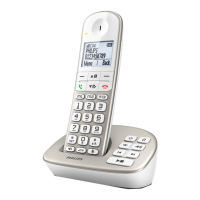
2.3 Overview of the
handset
1 Earpiece
2 Display
See page 11 for an overview of
the display icons.
3 Menu key
Enter the main menu.
Select the option displayed on
screen.
Confi rm a menu option – OK
is displayed on screen.
4 Call log/Scroll up/
Volume up
Open the calls log.
Scroll up through lists and
settings.
Increase the earpiece volume.
5 Talk/Recall
Make or answer a call.
Use recall (R) functions.
6 One-touch dialling keys
Press and hold for one-touch
dialling of pre-set numbers.
7
/Keypad lock
Press and hold to lock/unlock
the keypad.
During a call, press and hold
to switch from pulse dialling to
tone dialling.
Dial a star.
Your SE245 Digital Cordless Telephone
3
4
13
6
7
8
5
14
12
11
9
1
2
10
9



 To Next Page