10 EN
4 Photo
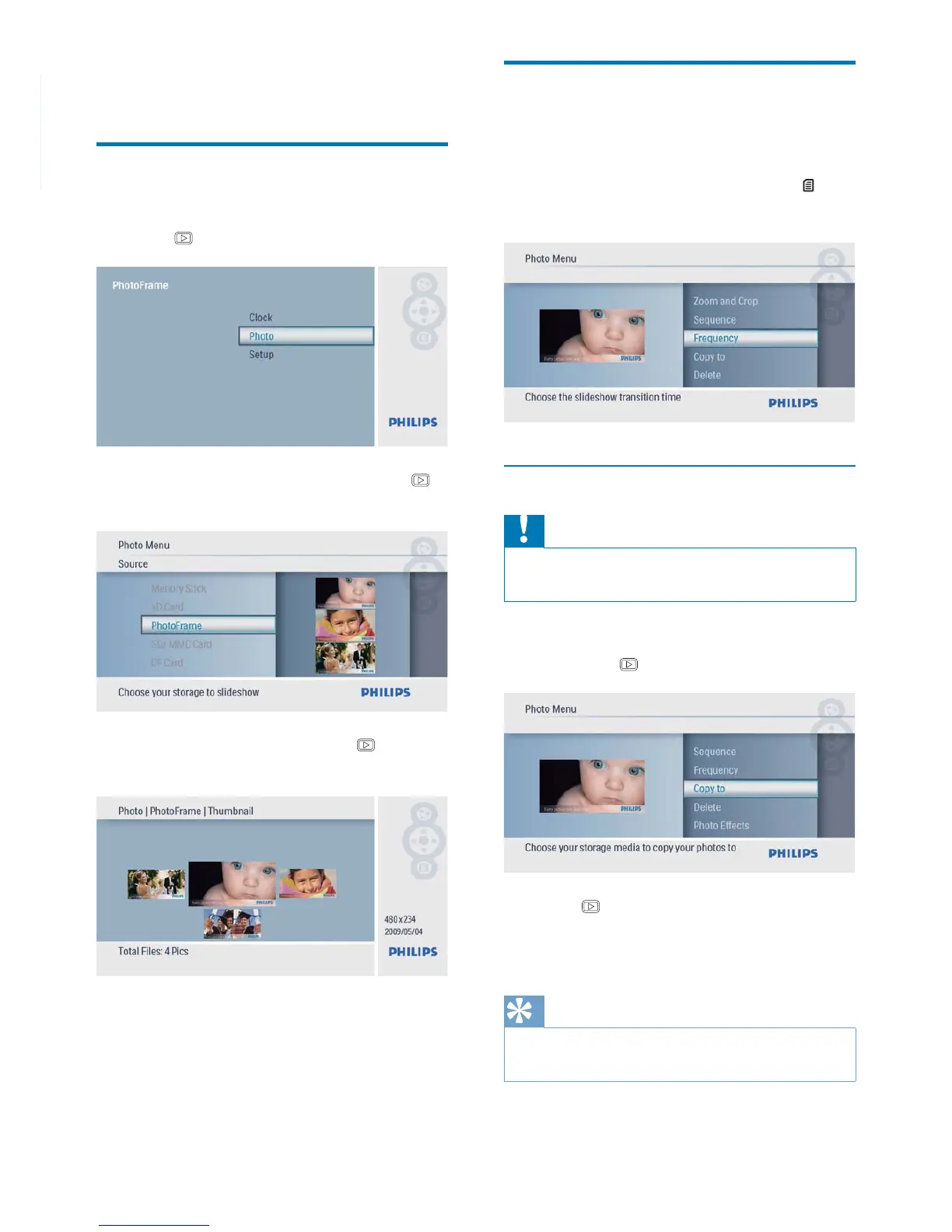
Play photos
1 In the main menu, select [Photo] and then
press
to confi rm.
2 Select a photo source, and then press
to confi rm.
3 Select a photo, and then press to
confi rm.
Manage photos/slideshow
You can manage a photo or set slideshow
setting in slideshow/thumbnail mode.
1 In slideshow/thumbnail mode, press .
Photo menu is displayed.»
Copy a photo
Caution
Never remove a storage device before the copy or •
delete action completes.
1 In [Photo Menu], select [Copy To] and
then press
to confi rm.
2 Press to start copy.
The photo is copied to the »
PhotoFrame.
Tip
When there is not enough memory to store more •
images, an error message is displayed.



 To Next Page