EN 21
English
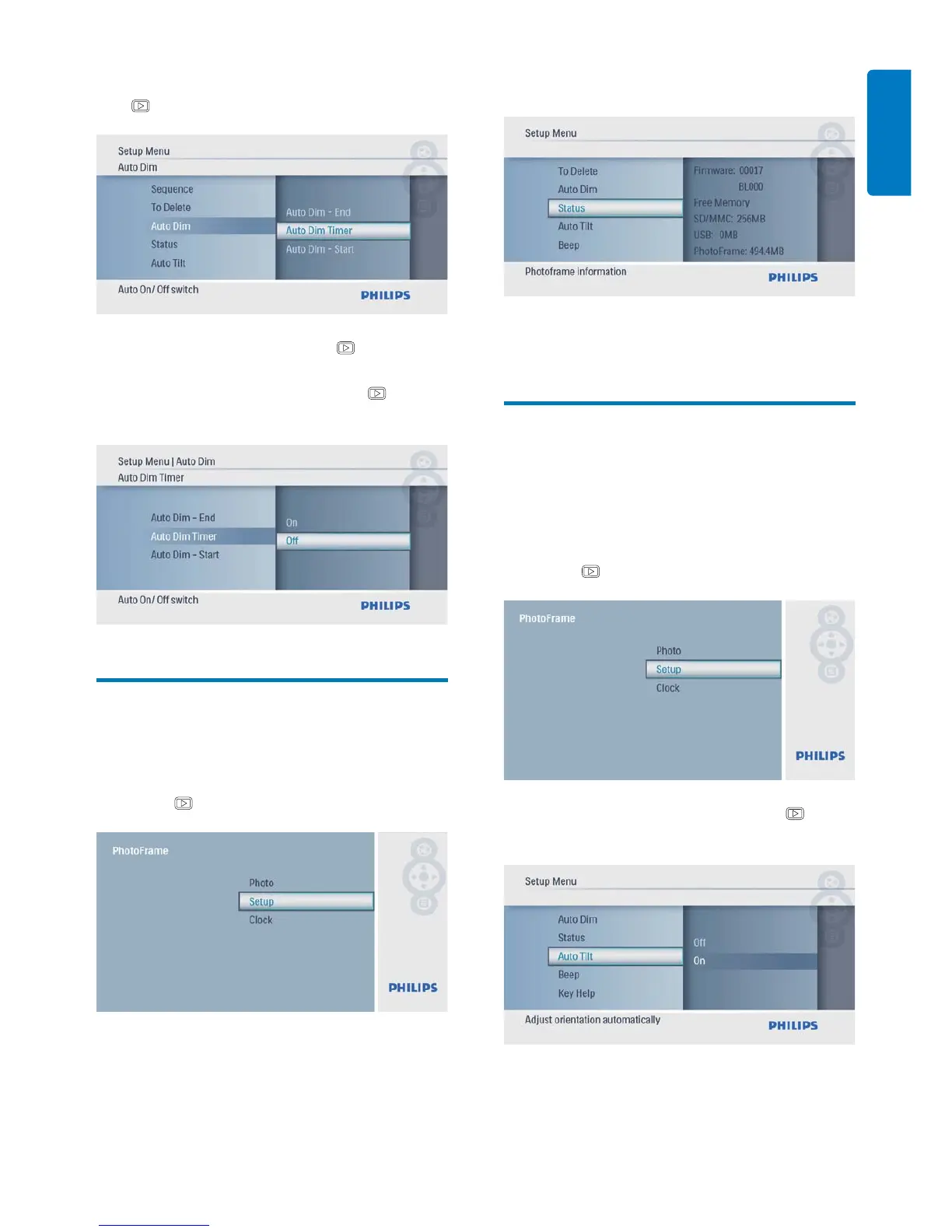
5 Select [Auto Dim Timer], and then press
to confi rm.
6 Select [On], and then press to confi rm.
To set off auto-on/auto-off function, •
select [Off] and then press
to
confi rm.
View the status of the
PhotoFrame
1 In the main menu, select [Setup] and then
press
to confi rm.
2 Select [Status].
The status of the PhotoFrame is »
displayed on the right of the screen.
Set auto orientation
You can display photos in the correct
orientation depending the horizontal/vertical
orientation of the PhotoFrame.
1 In the main menu, select [Setup] and then
press
to confi rm.
2 Select [Auto Tilt], and then press to
confi rm.



 To Next Page