EN 23
English
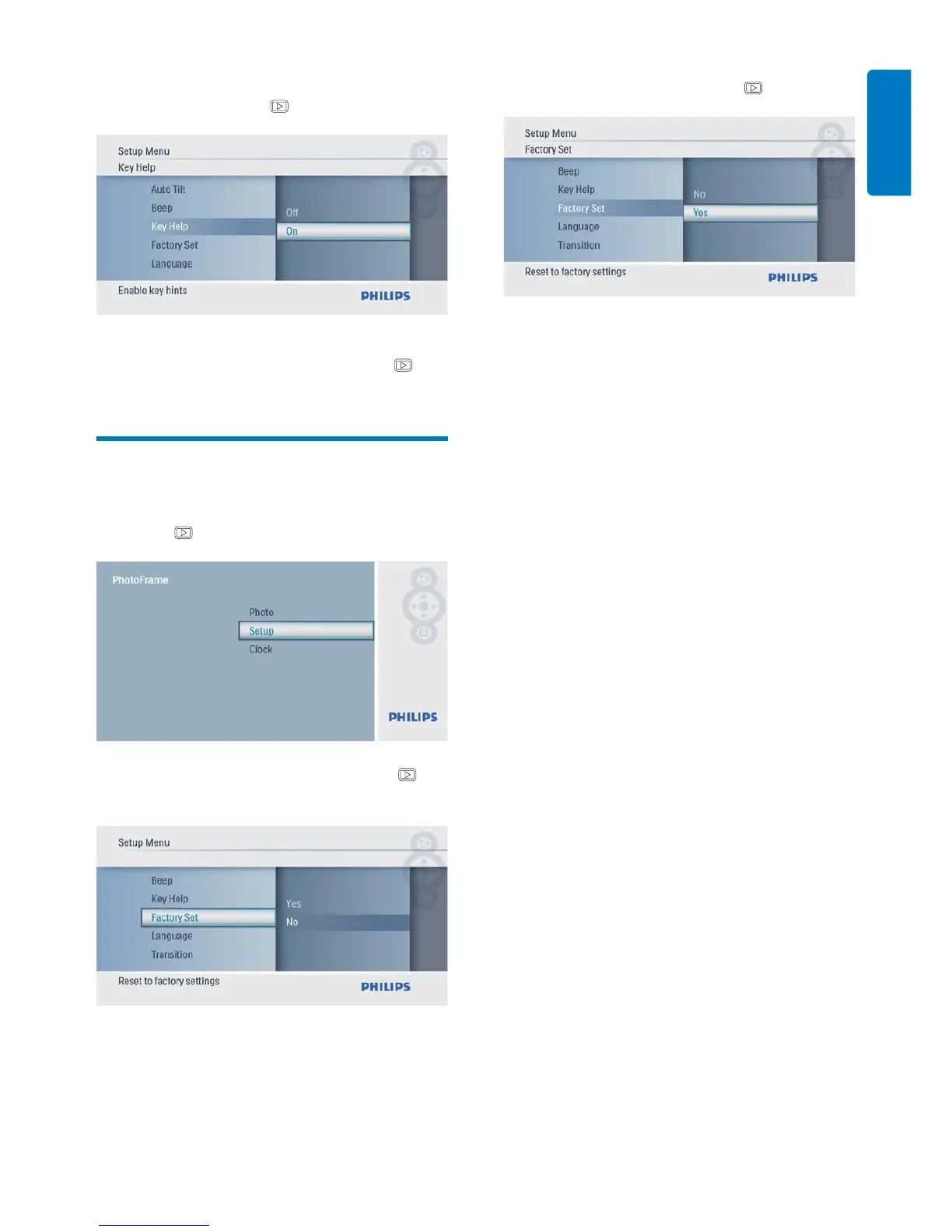
3 Select [On] to display key hints at power
on, and then press
to confi rm.
To not display key hints at power •
on, select [Off] and then press
to
confi rm.
Set to factory default
1 In the main menu, select [Setup] and then
press
to confi rm.
2 Select [Factory Set], and then press to
confi rm.
3 Select [Yes], and then press to confi rm.



 To Next Page