16 EN
6 Setup
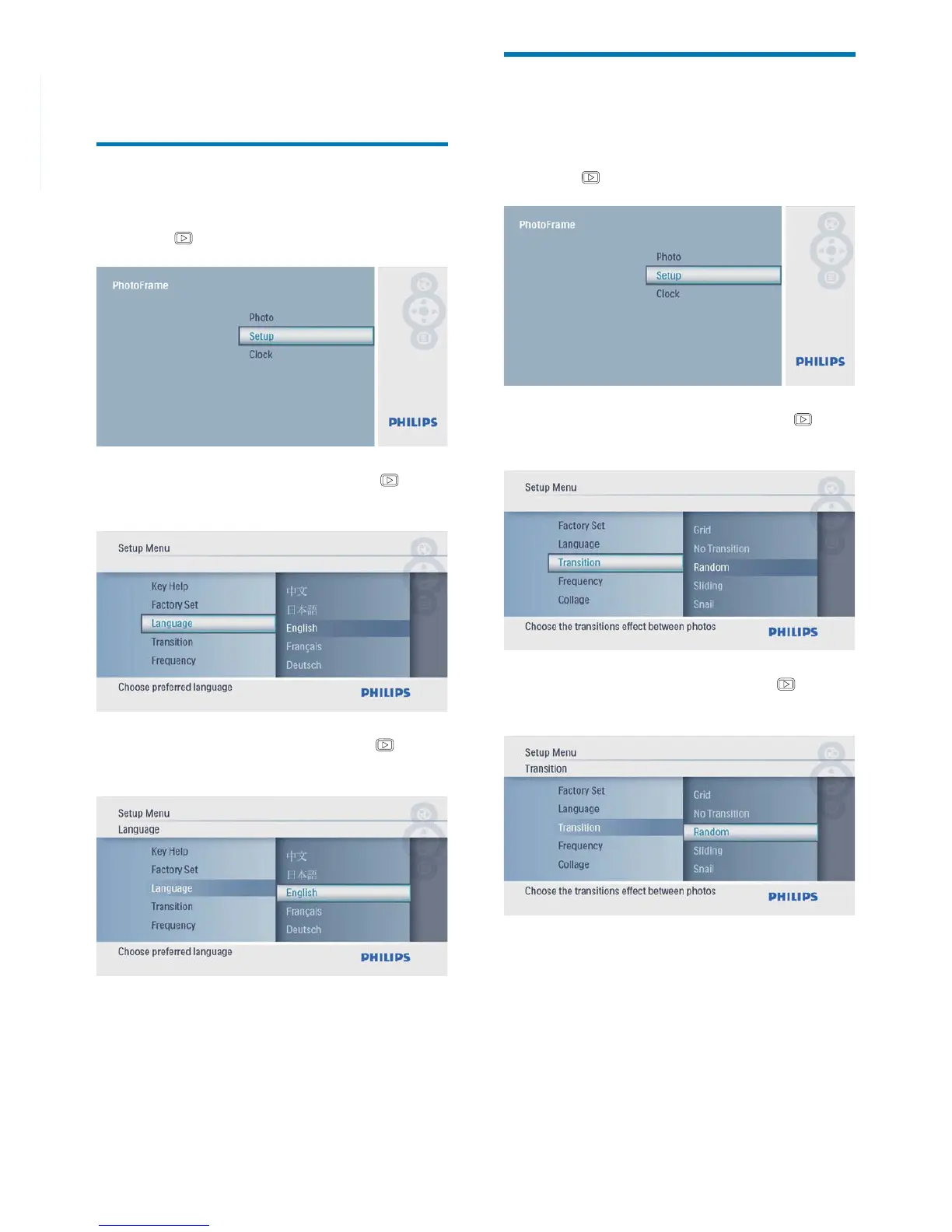
Select an on-screen language
1 In the main menu, select [Setup] and then
press
to confi rm.
2 Select [Language], and then press to
confi rm.
3 Select a language, and then press to
confi rm.
Select a slideshow transition
effect
1 In the main menu, select [Setup] and then
press
to confi rm.
2 Select [Transition], and then press to
confi rm.
3 Select an option, and then press to
confi rm.



 To Next Page