12 EN
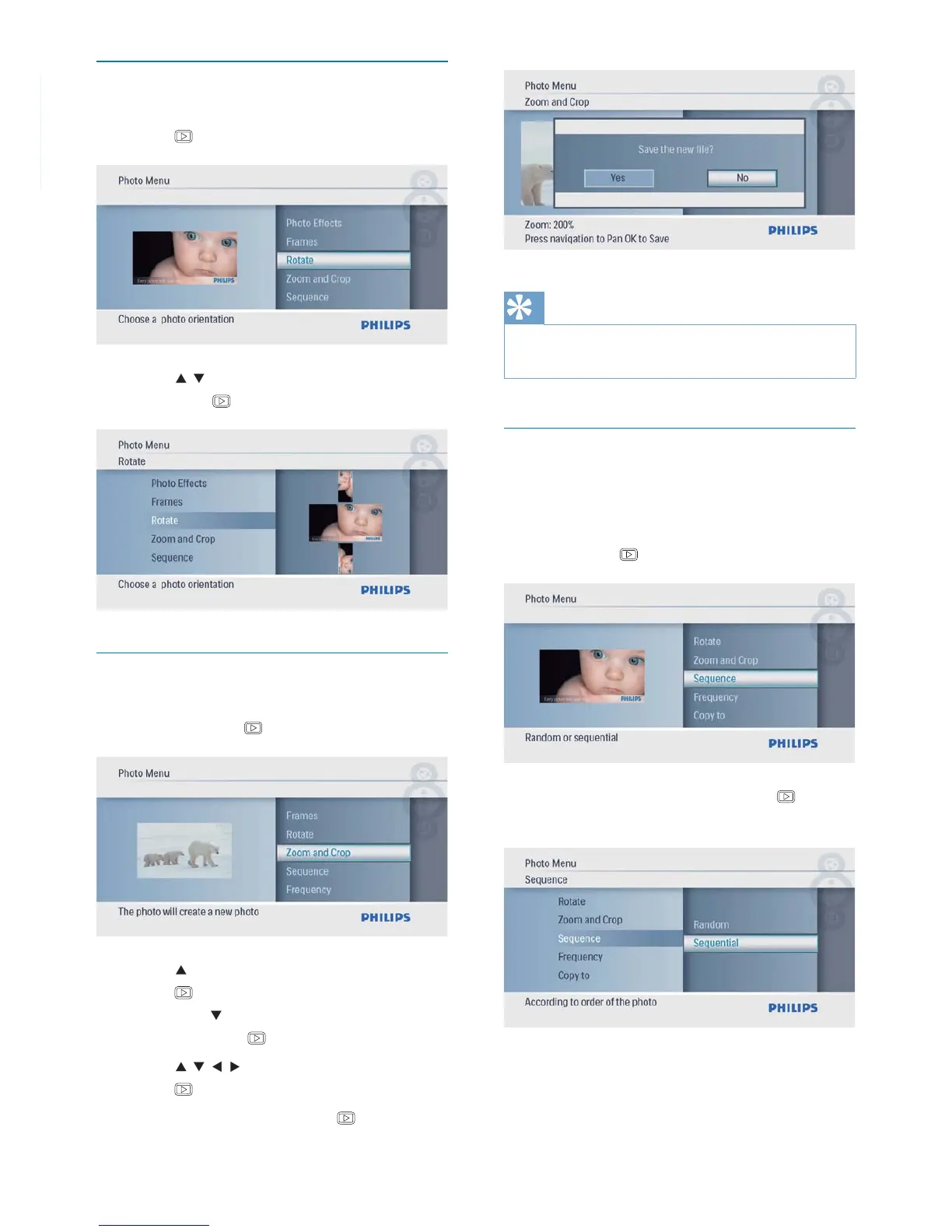
Rotate a photo
1 In [Photo Menu], select [Rotate] and then
press
to confi rm.
2 Press / to select an orientation, and
then press
to confi rm.
Zoom and crop a photo
1 In [Photo Menu], select [Zoom and Crop]
and then press
to confi rm.
2 Press to zoom in a photo, and then
press
to confi rm.
Press•
to zoom out a photo, and
then press
to confi rm.
3 Press / / / to pan the photo, and then
press
to confi rm.
4 Select [Yes], and then press to confi rm.
Tip
Zoom and crop function is only applied to photos over •
480 x 234 pixel.
Select slideshow sequence
You can display the slideshow in sequence or
randomly.
1 In [Photo Menu], select [Sequence] and
then press
to confi rm.
2 Select an option, and then press to
confi rm.



 To Next Page