18 EN
Select a photo background
1 In the main menu, select [Setup] and then
press
to confi rm.
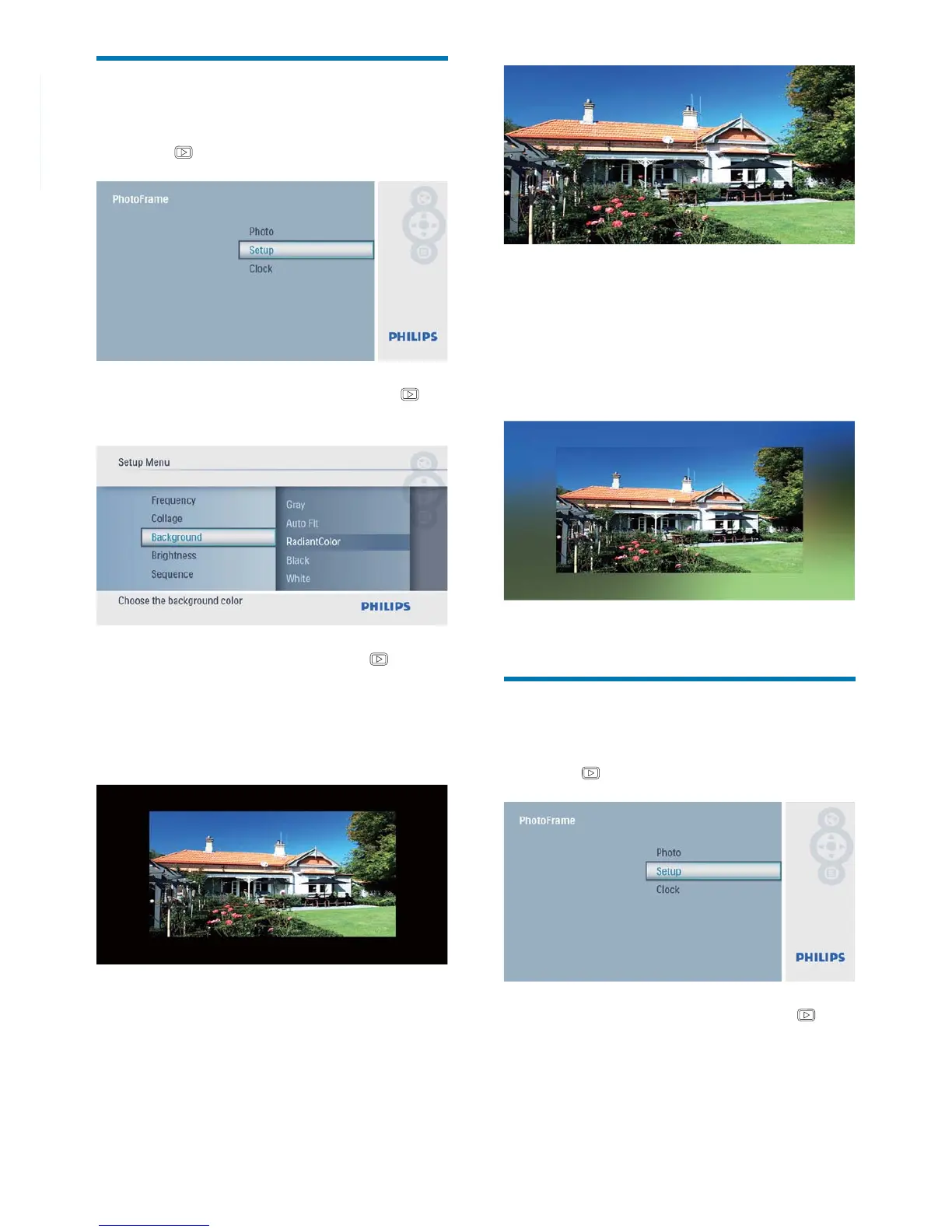
2 Select [Background], and then press to
confi rm.
3 Select an option, and then press to
confi rm.
If you select a background color, the »
PhotoFrame displays a photo with a
background color.
If you select » [Auto Fit], the
PhotoFrame extends a photo to fi ll the
screen with picture distortion.
If you select » [RadiantColor], the
PhotoFrame extends the color on the
edges of a photo that is smaller than
the full screen to fi ll the screen without
black bars or aspect ratio distortion.
Adjust display brightness
1 In the main menu, select [Setup] and then
press
to confi rm.
2 Select [Brightness], and then press to
confi rm.



 To Next Page