EN-5
6
7
8
9
EZ Lock System
You can use the EZ Lock Screws to lock or unlock the
wooden frame.
Description
No.
Wall mount hole (for landscape wall mounting)
Allows you to hang the PhotoFrame horizontally on a wall.
Wall mount hole (for portrait wall mounting)
Allows you to hang the PhotoFrame vertically on a wall.
Operating the PhotoFrame
Operating the PhotoFrame
Philips Digital PhotoFrame
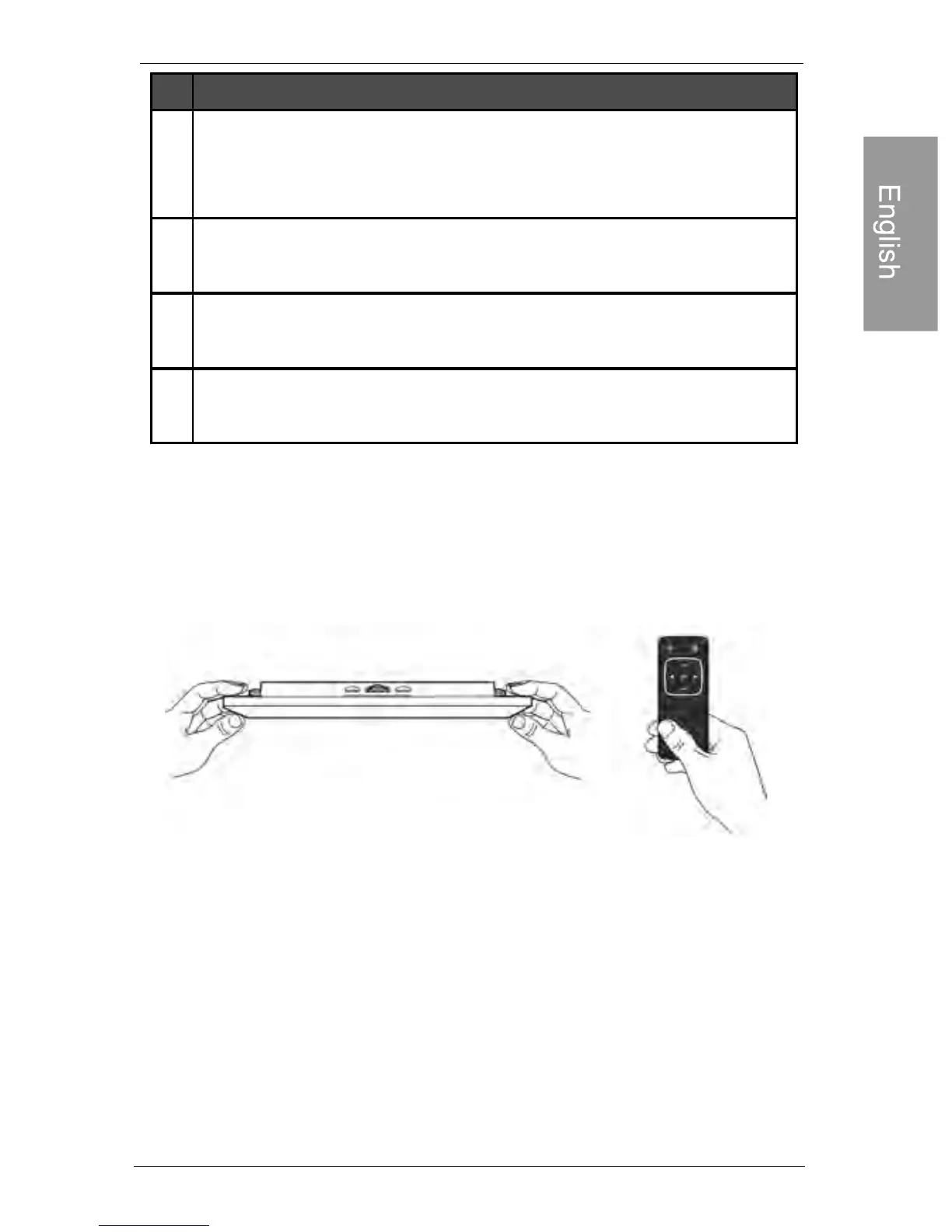
You can use the control buttons on the back or the supplied
remote control to operate the photo frame
• In this user manual, instructions or examples provided are based
upon operation with the remote control. To know how to use the
control buttons, refer to "Using the control buttons" on page 6 for
details.
• The remote control is supplied with the 8" and 10" models only.
Recommended Remote control storage
Use the hook and loop tape included to store your remote control.



 To Next Page