Español
ES-31
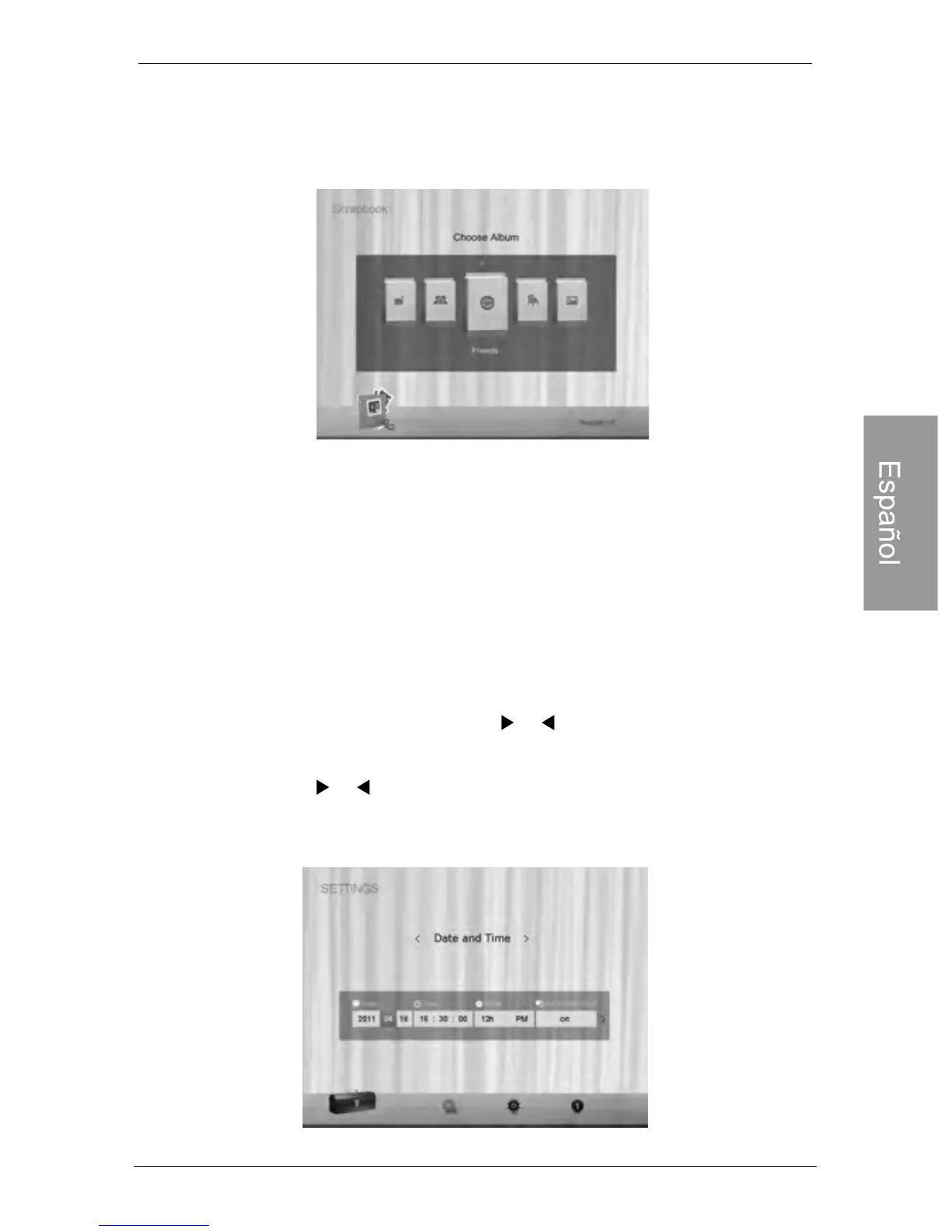
3. Seleccione un álbum que contenga las fotografías que desea
exhibir en la presentación de diapositivas, y luego presione
“OK”.
El PhotoFrame comenzará a exhibir las fotografías en el modo
Presentación de diapositivas utilizando la plantilla
seleccionada
Utilización de CONFIGURACIÓN
Utilización de CONFIGURACIÓN
El menú CONFIGURACIÓN le permite configurar los
parámetros del PhotoFrame.
1. In the main menu, Presione or to select SETTINGS,
and then Presione. The Date and Time page appears.
2. Presione o para alternar entre las páginas Fecha y
hora, Configuración general e Información.
PhotoFrame digital Philips



 To Next Page