EN-28
3. Select , and then press “OK” to start playback.
The TIMELINE feature only applies to photos stored on the
internal memory. Please copy any photos on the USB drive or
memory card to the internal memory if you wish to access this feature.
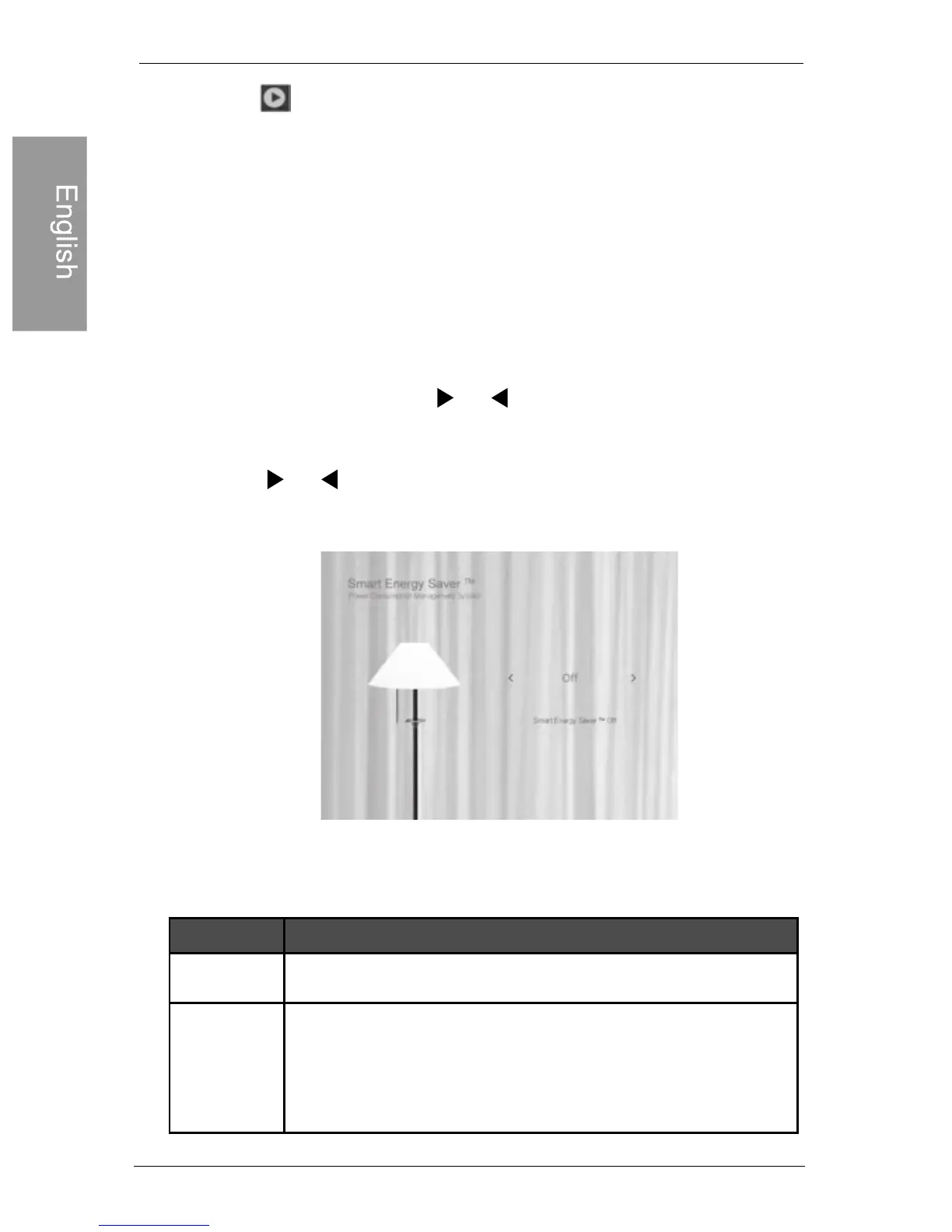
Using Smart Energy Saver™
Using Smart Energy Saver™
The Smart Energy Saver™ menu provides various pre-
defined power-saving options.
1. In the main menu, press or to select Smart Energy
Saver™, and then press “OK”.
2. Press or to select a desired option, and confirm
with “OK”.
For details about the power-saving options, refer to the table
below.
Saves 50% on backlight power consumption
during nighttime and automatically resumes
normal power consumption during daytime.
Philips Digital PhotoFrame
DescriptionOptions
Turns off Smart Energy Saver™ . Off
Auto 50%



 To Next Page