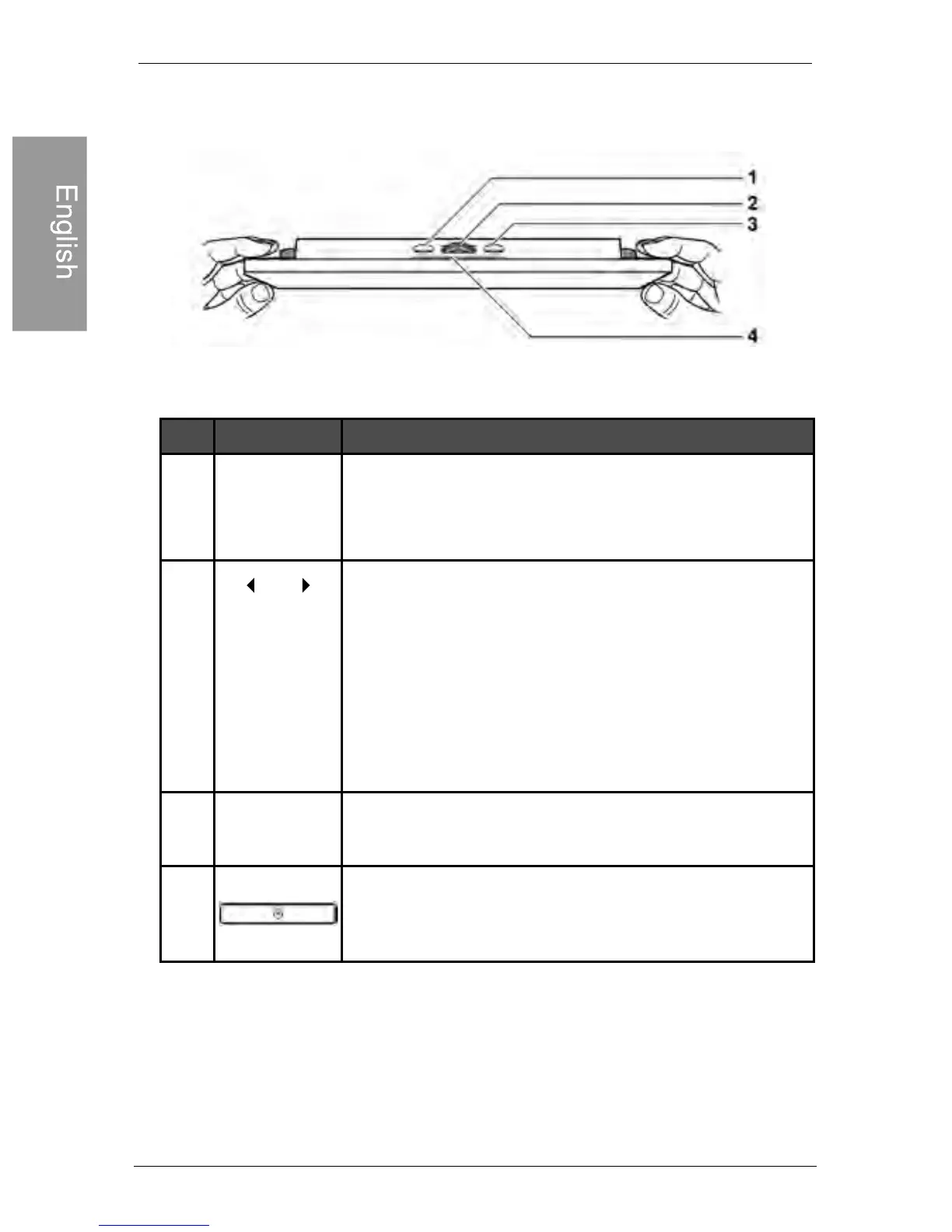
Operating the PhotoFrame
Philips Digital PhotoFrame
EN-6
Using the control buttons
1
2
3
4
Description
No.
Icon
ESC
MENU
ESC button (ESCAPE button)
Cancels current operation and/or returns to
the previous page
Scroll wheel/ OK button
• Press this button to enter or confirm your
operation/selection.
• Scroll this button to the left to select the
previous item.
• Scroll this button to the right to select the
next item.
MENU button
Displays the pop-up menu.
EZ Access button
Switches between Clock view and Slideshow
view
OK



 To Next Page