Philips Digital PhotoFrame
EN-23
Managing photos
4. Press to move to , and then press “OK” to start
playback.
The photos taken in the time span you specified above will
appear on the screen.
Creating a new album
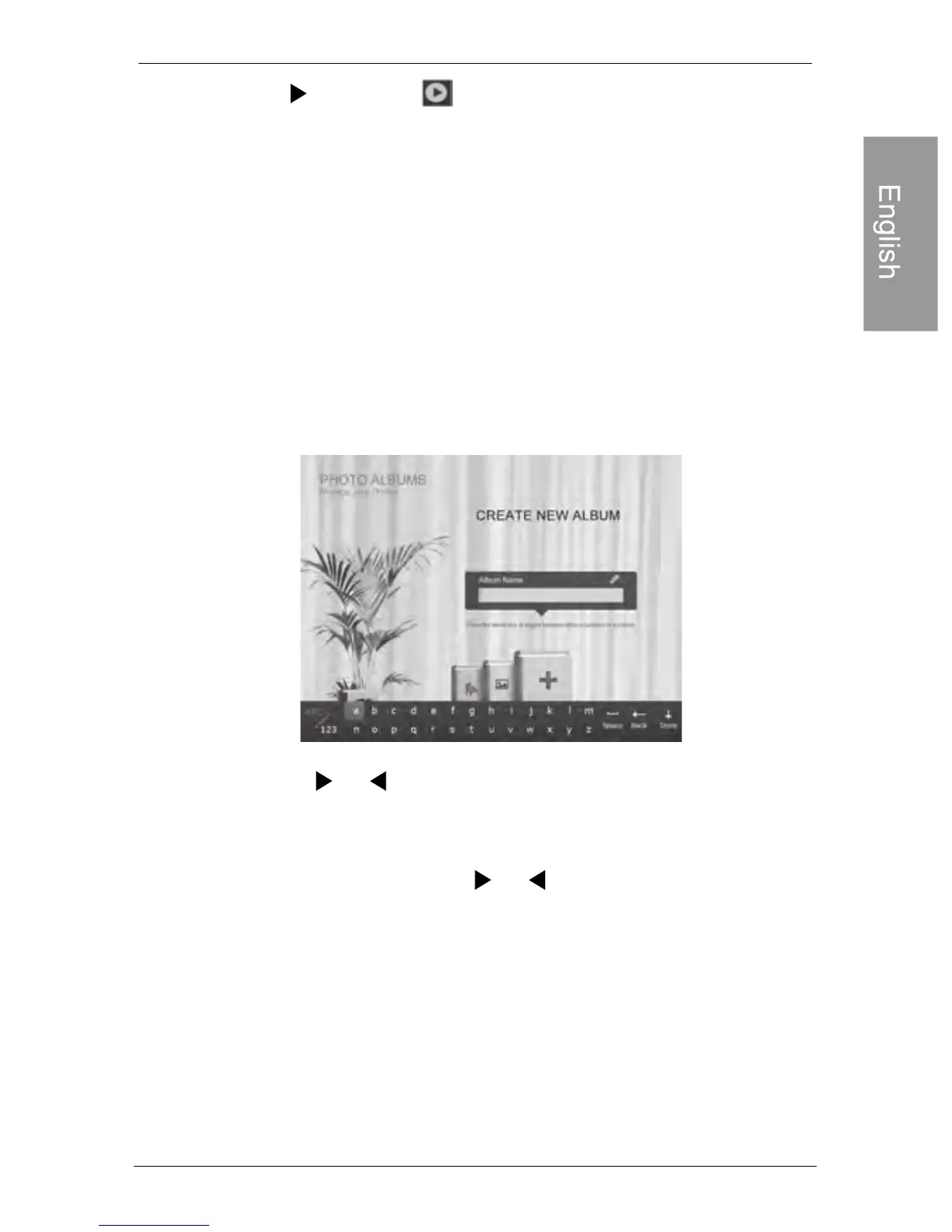
1. In the PHOTO ALBUMS menu, press “OK” to select “+”,
and then press “OK” to create album.
Press or to select a letter, and then press “OK”
to enter the letter.
Press MENU to toggle between letters and numbers.
To add a space, press or to move to Space, and
then press “OK”.
2. In the Album Name field that appears, use the on-screen
keyboard to enter a desired name.
3. Now the new album is created.
The PhotoFrame allows you to create up to 12 custom albums.



 To Next Page