EN-30
Philips Digital PhotoFrame
3. Press MENU and select Default.
4. Press “OK” to set the selected clock skins as default.
The
default clock skin will be displayed when ( or )
is pressed
Switching between Clock view and
Slideshow view
You can press to toggle between Clock view and
Slideshow view.
When switching from Clock view to Slideshow view, the Photo
Frame starts the slideshow that was running previously.
If the last slideshow was playing from memory card or USB
and is no longer available, the PhotoFrame will start a
slideshow from the Internal Memory.
Using SCRAPBOOK
Philips SCRAPBOOK feature provides a brand new
user experience in enjoying photo slideshows.
1. In the main menu, press or to select SCRAPBOOK,
and then press “OK”.
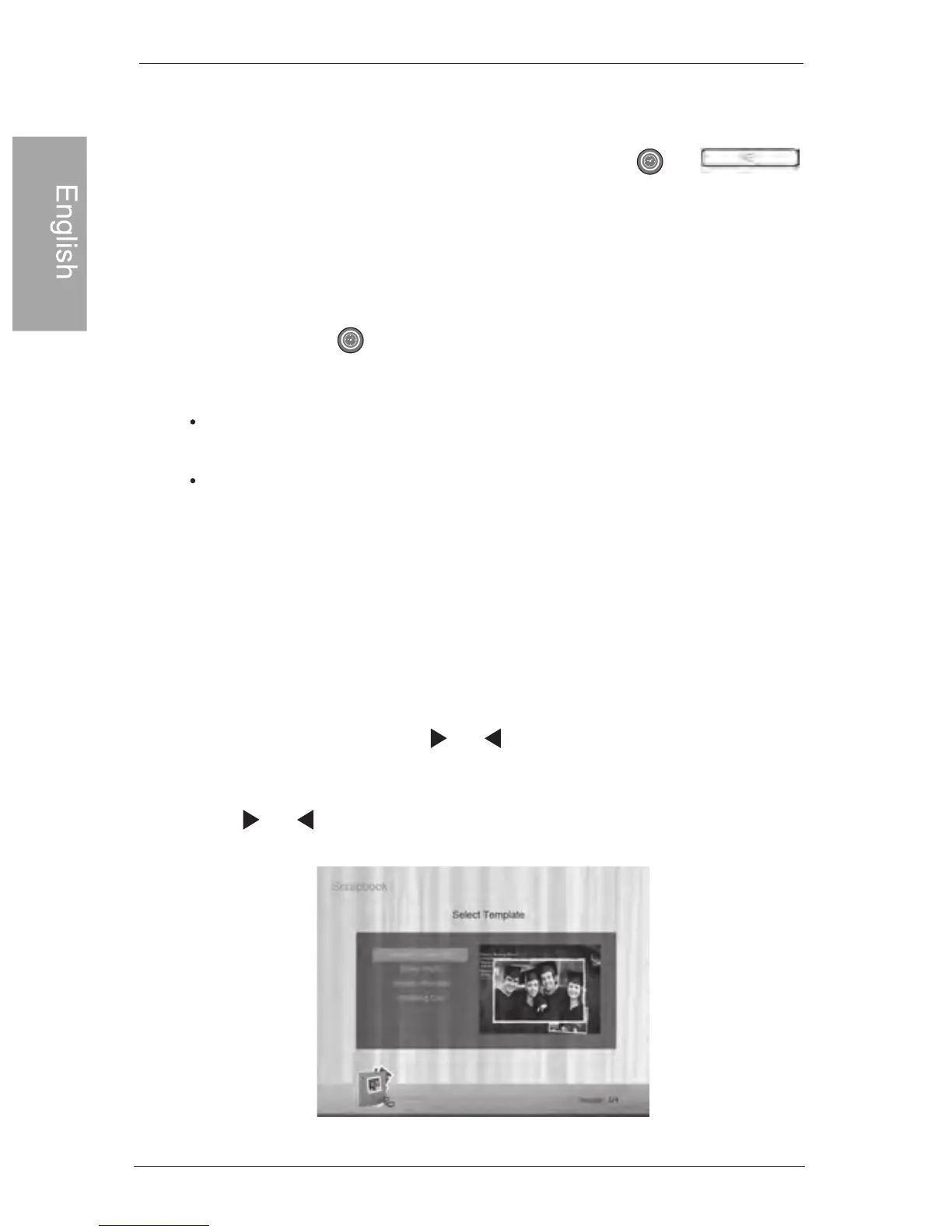
2. Press or to select a template, and then press “OK”.
Using SCRAPBOOK



 To Next Page