EN-19
Philips Digital PhotoFrame
Managing photos
9. Select a default target album to copy and sort the photos into
this specified album.
Tagging photos to an album
1. In the main menu, press or to select PHOTO
ALBUMS, and then press “OK”.
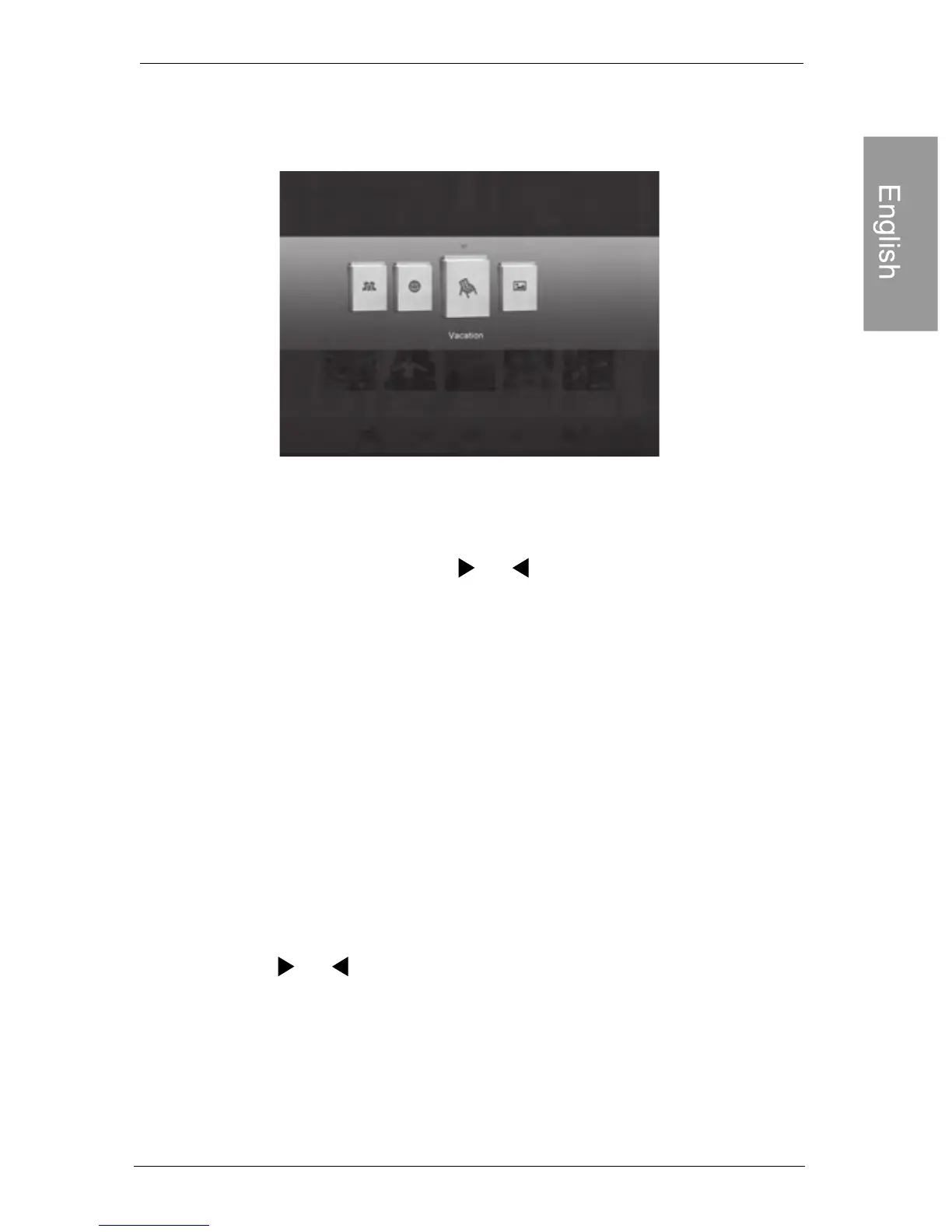
The screen shows:
• The “USB” and “Memory Card” file sources will only appear when a USB
flash drive and a memory card have been inserted to the PhotoFrame.
• For details about the “TIMELINE” album, see "Managing
photos by using the TIMELINE album" on page 22.
2. Press or to select
the Internal Memory
also select USB or
• The file source, including USB, Memory Card and
Internal Memory.
• The default albums on the internal memory, including
TIMELINE, Pre-install, Uncategorized, Family,
Friend and Vacation.
the source of your photos,
such as
album, and then press “OK”. (You
can
Memory Card, if available.)



 To Next Page