Philips Digital PhotoFrame
EN-25
4. Press MENU.
If you wish to select all the photos shown on the current page, select
“Select All” in the pop-up menu and press
Step 5.
5. From the pop-up menu, press or to select Delete,
and then press “OK”.
Rotating photos
From the pop-up menu, press or to select Rotate, and then
press “OK”. The photo will be rotated 90 degrees clockwise.
Repeat Step above if you wish to rotate the photo into other
angles.
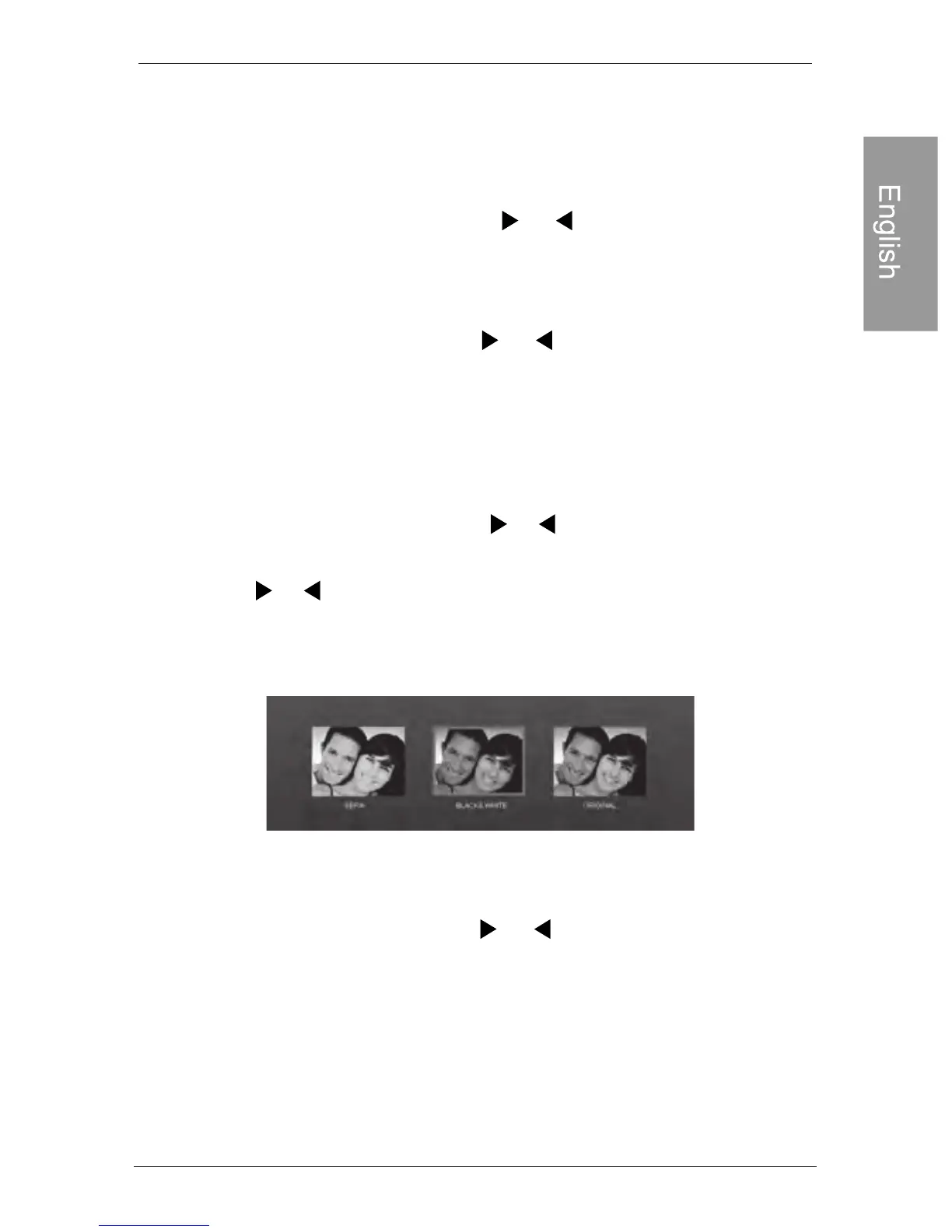
Applying photo effects
From the pop-up menu, press or to select Photo Effects,
and then press “OK”.
Press or to select the effect you wish to apply to the
selected photo, including SEPIA, ORIGINAL and BLACK
& WHITE, and then press “OK”.
Viewing photos
Viewing photos
1. In the main menu, press or to select SLIDESHOW,
and then press “OK”
The “USB” and “Memory Card” albums only appear when a USB flash
drive and a memory card have been inserted to the PhotoFrame.
“OK”. Then proceed to



 To Next Page