EN-26
Philips Digital PhotoFrame
Viewing photos
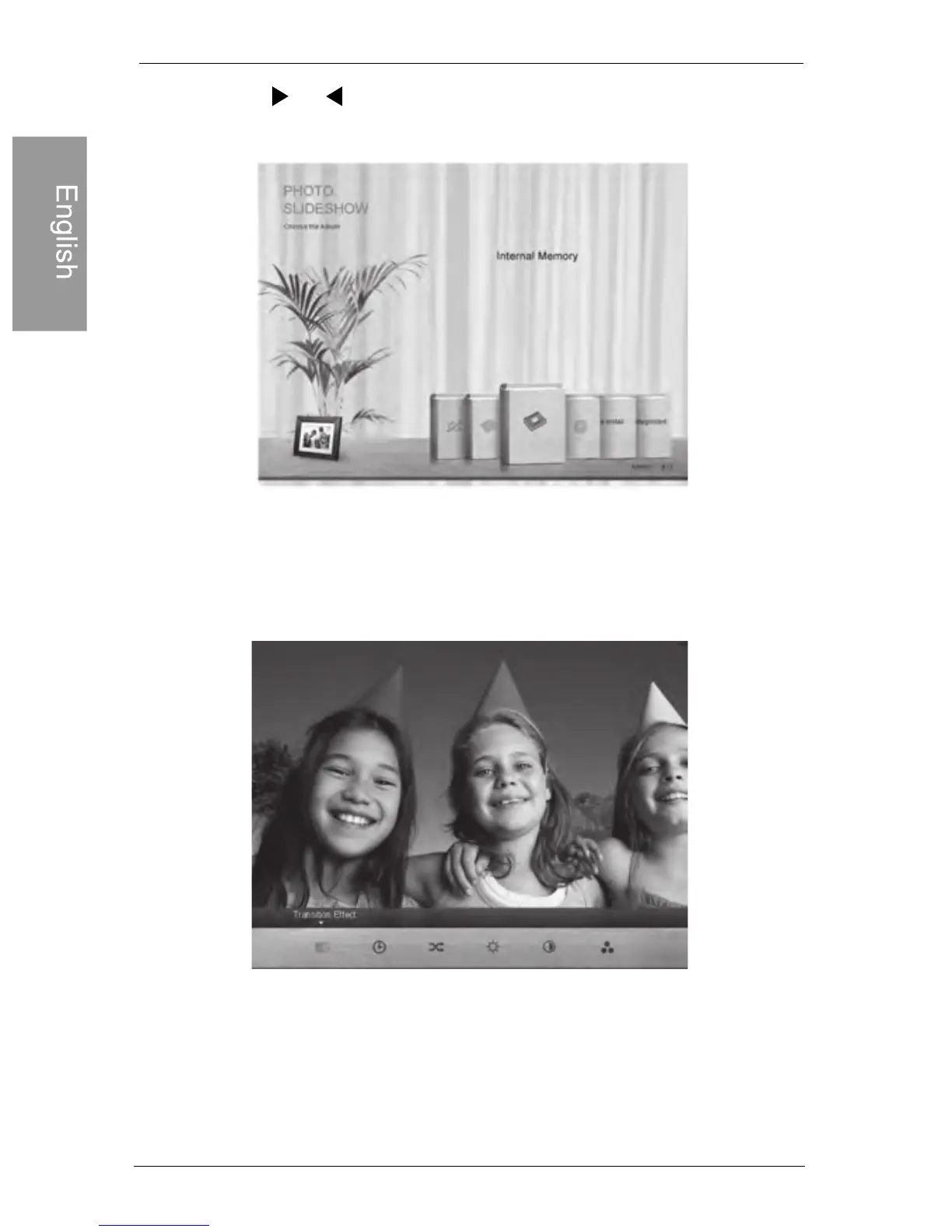
2. Press or to select the album that contains the photos
you wish to display in slideshow, and then press “OK”
If you wish to pause the slideshow, press “OK”
3. To configure slideshow settings, press MENU to display
the pop-up menu. You can adjust the settings below.
Transition Effect: selects the transition effect you wish to
apply to the slideshow.
Slideshow Interval: selects the slideshow interval between
photos.



 To Next Page