The default transition effect “Pan & Zoom” does not allow
interval settings.
Brightness: selects the level of screen brightness.
Contrast: selects the level of contrast.
Saturation: selects the level of saturation.
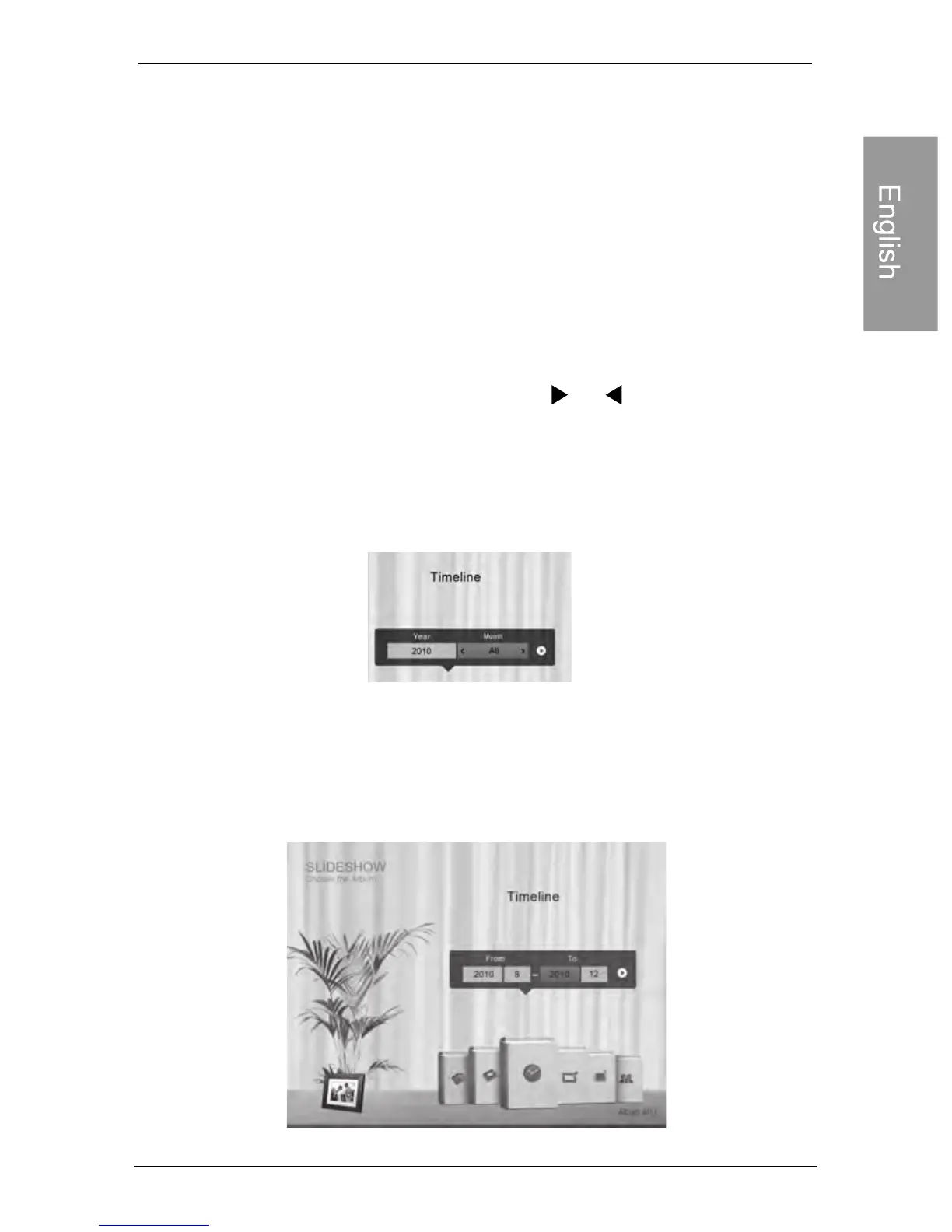
Running a slideshow by using the
TIMELINE album
1. In the SLIDESHOW menu, press or to select
TIMELINE, and then press “OK”.
2. In the pop-up screen, specify a time span to include
the photos you wish to display in slideshow.
In this step, you can also search for photos taken in a
specific period of time under the TIMELINE album by
pressing MENU and selecting the time frame.
Philips Digital PhotoFrame
EN-27
Viewing photos
Play mode: selects sequent or random order of the playback.
customized



 To Next Page