Philips Digital PhotoFrame
EN-31
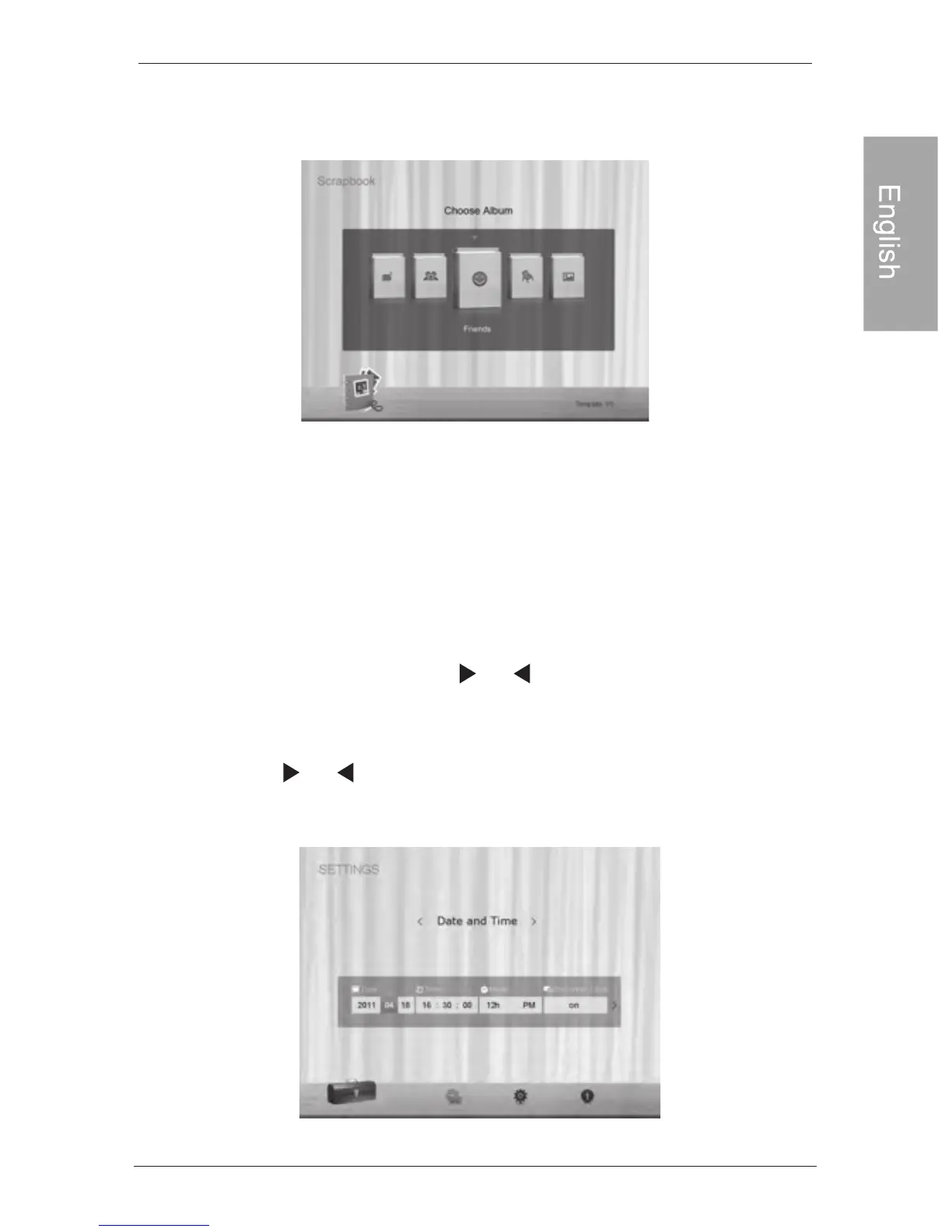
3.Select an album that contains the photos you wish to display
in slideshow, and then press “OK”.
The PhotoFrame will start to display the photos in slideshow
using the selected template.
Using SETTINGS
Using SETTINGS
The SETTING
S menu allows you to configure the settings of
the PhotoFrame.
1. In the main menu, press or to select SETTI , and
then press "OK".
The Date and Time page appears.
2. Press or to toggle among Date and Time, General
Settings and Information pages.
NG S



 To Next Page