Philips Digital PhotoFrame
EN-18
Managing photos
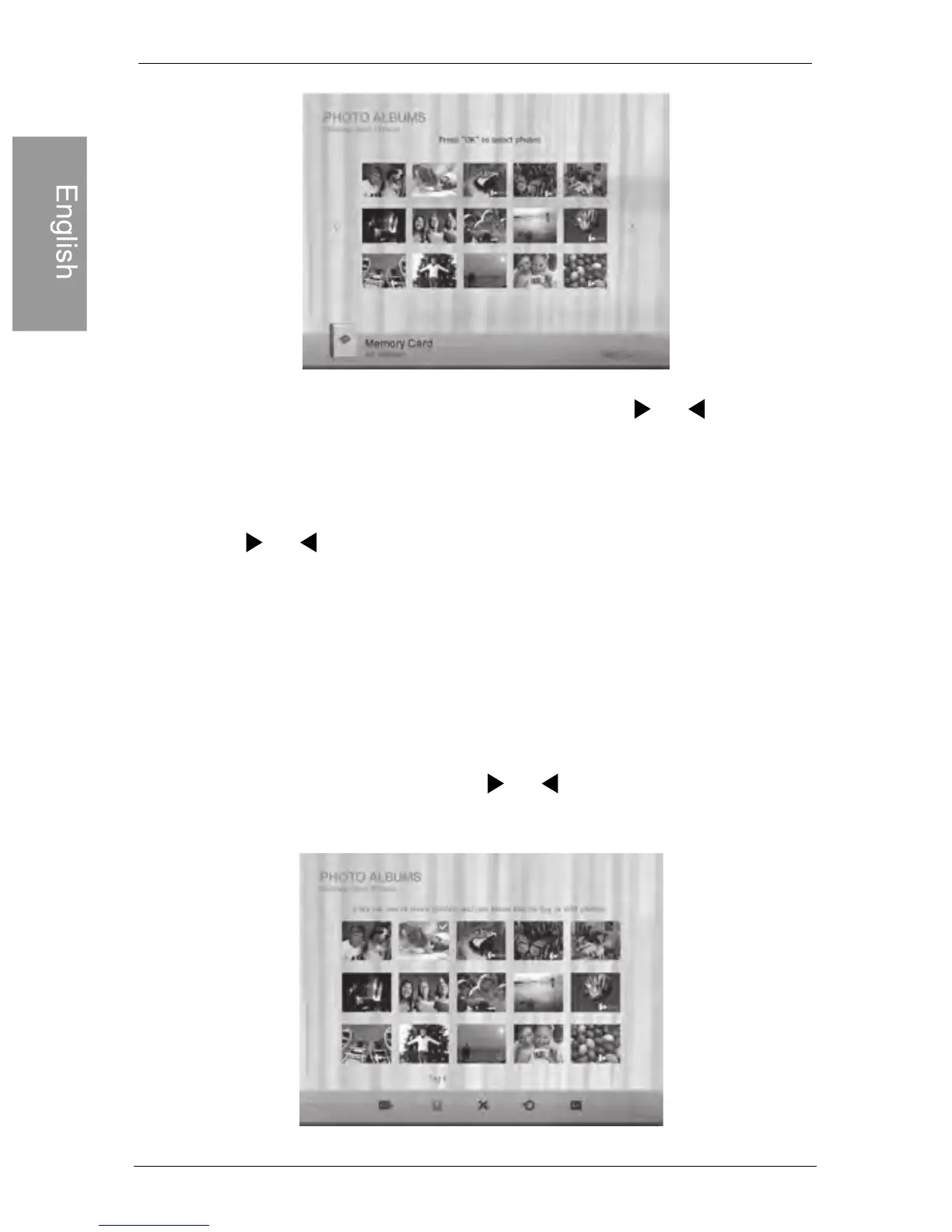
4. If there is more than one page, you can press or to go
to the previous or next page to browse photos. (If not, skip this
step.)
5. Press “OK” to enable the selection mark
6. Press or to move to the photo you wish to select, and
then press “OK” to confirm the selection. The selected photo
will have a selection mark
If you wish to select all the photos shown on the current page, select
Repeat Step 6 to select more photos as desired.
7. Press “Menu”
8. From the pop-up menu, press or to select Tag It, and
then press “OK”
"Select All" in the pop-up menu and press “OK”.Then continue with Step 7.



 To Next Page