12
2. Entering the Factory Preset (In case perform just to write memory of the Factory Preset.)
1. Turn OFF the power.
2. While pressing [ENTER] and [DAB] together, turn ON [POWER] .
3. Microprocessor Version Display Mode
1. Turn off the power.
2. While pressing [MENU] and [AM] together, turn ON [POWER] .
3. The version and the date of the microprocessor are displayed.
4. Press the [ENTER] button to end this mode.
SECTION 2
TEST MODE
DAB
FM
AM
1. Display Tube Check and KEY Check mode
1. Turn OFF the power.
2. While pressing [DISPLAY] and [MENU] together, turn ON [POWER] .
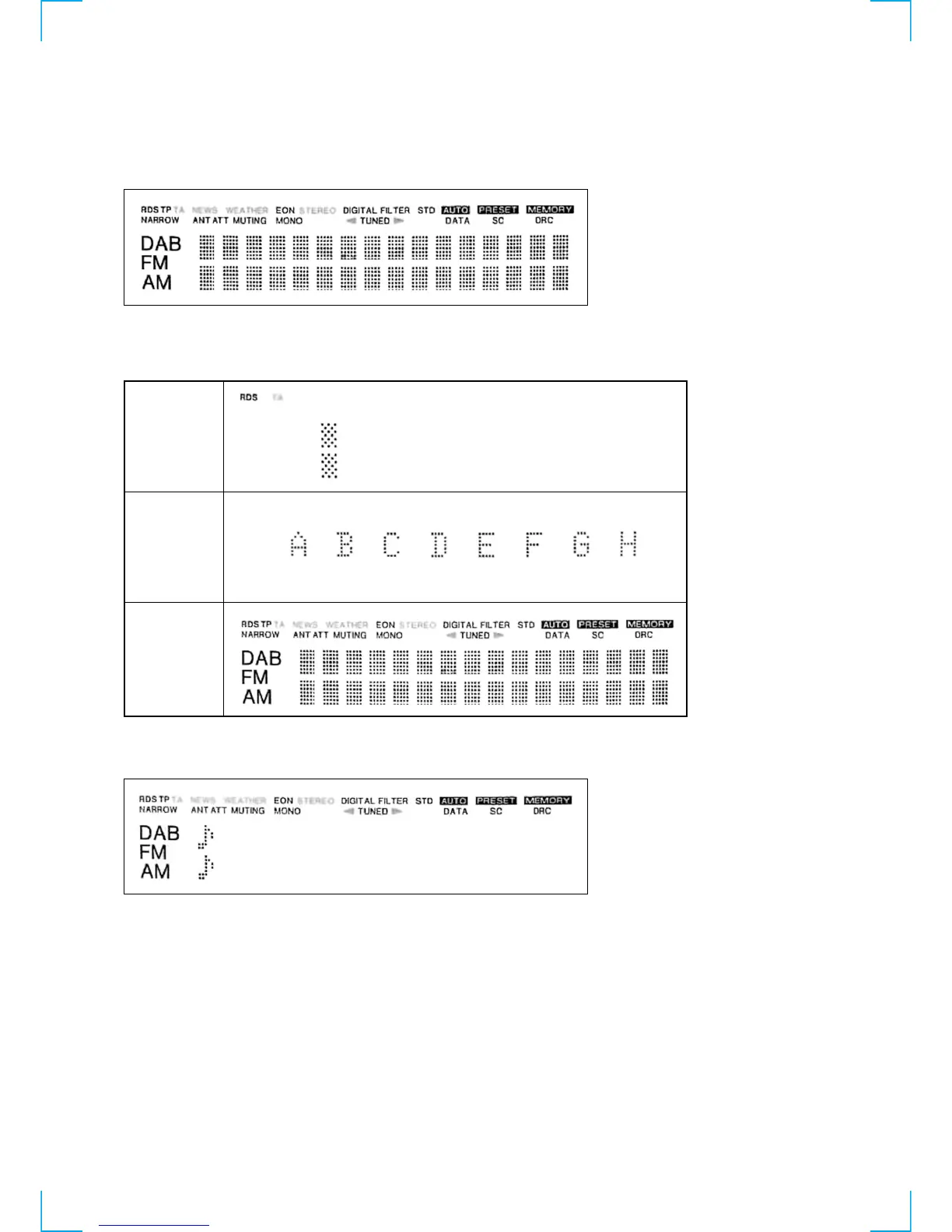
3. Display tube all lit.
4. Each time the button is pressed, the key number is counted down. After all the 14 buttons are pressed, “OK” appears.
When the [DAB], [FM] or [AM] button is pressed only, the following display appears.
5. The two eighth notes are moved from the left to the right by turning the [TUNING/SELECT] dial clockwise. The notes are moved from
the right to the left by turning the dial counterclockwise.



 To Next Page