ALLOCATING DECODER ENGLISH
12
12
88 II ddoonntt kknnooww tthhee cchhaannnneellss ffoorr mmyy TTVV ssttaattiioonnss
44
No problem. Hold down the button
PP
to start
the automatic channel search. A changing channel
number will appear on screen. Continue the
automatic channel search until you have found the
desired TV station
PPRROOBBLLEEMM
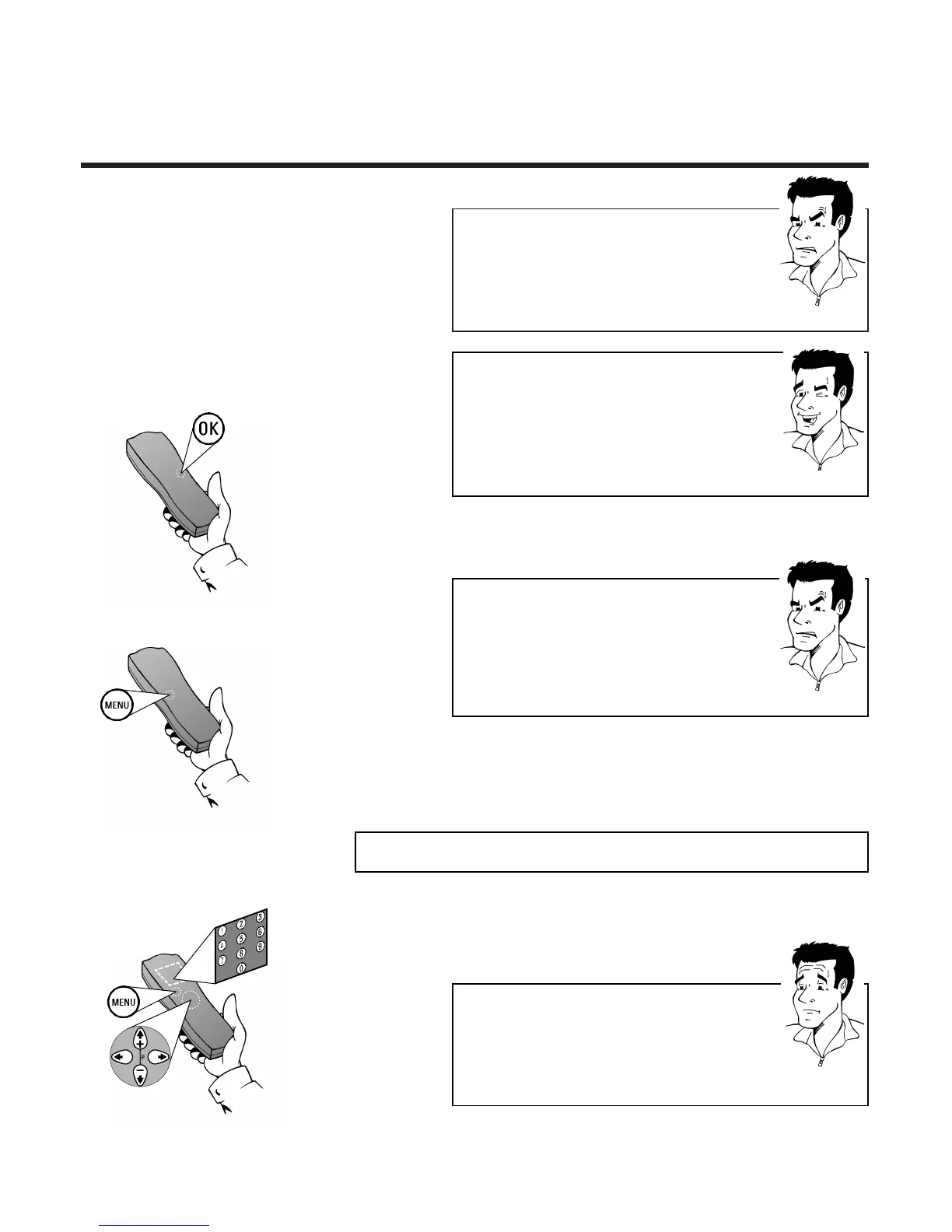
8 Press
OOKK
to store the TV channel found.The
screen will briefly show STORED
PPRROOBBLLEEMM
88 II ccaanntt ffiinndd tthhee TTVV cchhaannnneellss ffrroomm mmyy ssaatteelllliittee
rreecceeiivveerr
44
These do not have to be stored as actual TV
channels. On your video recorder, select the
programme number E2. Individual TV channels
must be selected on the actual satellite receiver
itself
9 Finish manual searching of TV channels by
pressing the
MMEENNUU
button or return to
step
3 to allocate additional TV channels
1 Use
==PP--
and
;;PP++
or the number keys
00--99
to
select the TV channel, which will in future be
automatically decoded by your decoder
AAllllooccaattiinngg ddeeccooddeerr
2 Press the
MMEENNUU
button
PP
AARRDDOONN
??
WWhhaatt iiss aa ddeeccooddeerr??
Like a deciphering machine, a decoder (available in TV
and video stores) deciphers the TV channels for which
additional charges must be paid. Without the
appropriate decoder, you will receive these TV
channels distorted.
TTIIPP
HHiiFFii rreecceeppttiioonn iinn NNiiccaamm
This video recorder can receive HiFi sound trans-
missions in Nicam standard.To switch this function on or
off use
==PP--
or
;;PP++
to select the option NICAM and
use
PP
or
QQ
to activate the ON or OFF setting.
Nicam digital stereo is a TV broadcasting system
capable of delivering CD quality digital stereo sound.



 To Next Page