DELETE/CHECK/CHANGE RECORDINGS / NEXTVIEW LINK ENGLISH
40
40
DDeelleettee // cchheecckk // cchhaannggee pprrooggrraammmmeedd rreeccoorrddiinnggss
3
DDeelleettee::
Press
CCLLEEAARR ((CCLL))
and finish
with the button
OOKK
.
CChheecckk::
Press
TTIIMMEERR kk
, check the
stored details and (once you
have checked) end with the
Standby button
mm
CChhaannggee::
Press
TTIIMMEERR kk
and use the
buttons
00--99
(or
==PP--
and
;;PP++
) to
enter the new value(s). Confirm
with
OOKK
and activate the timer
again with the Standby button
mm
.
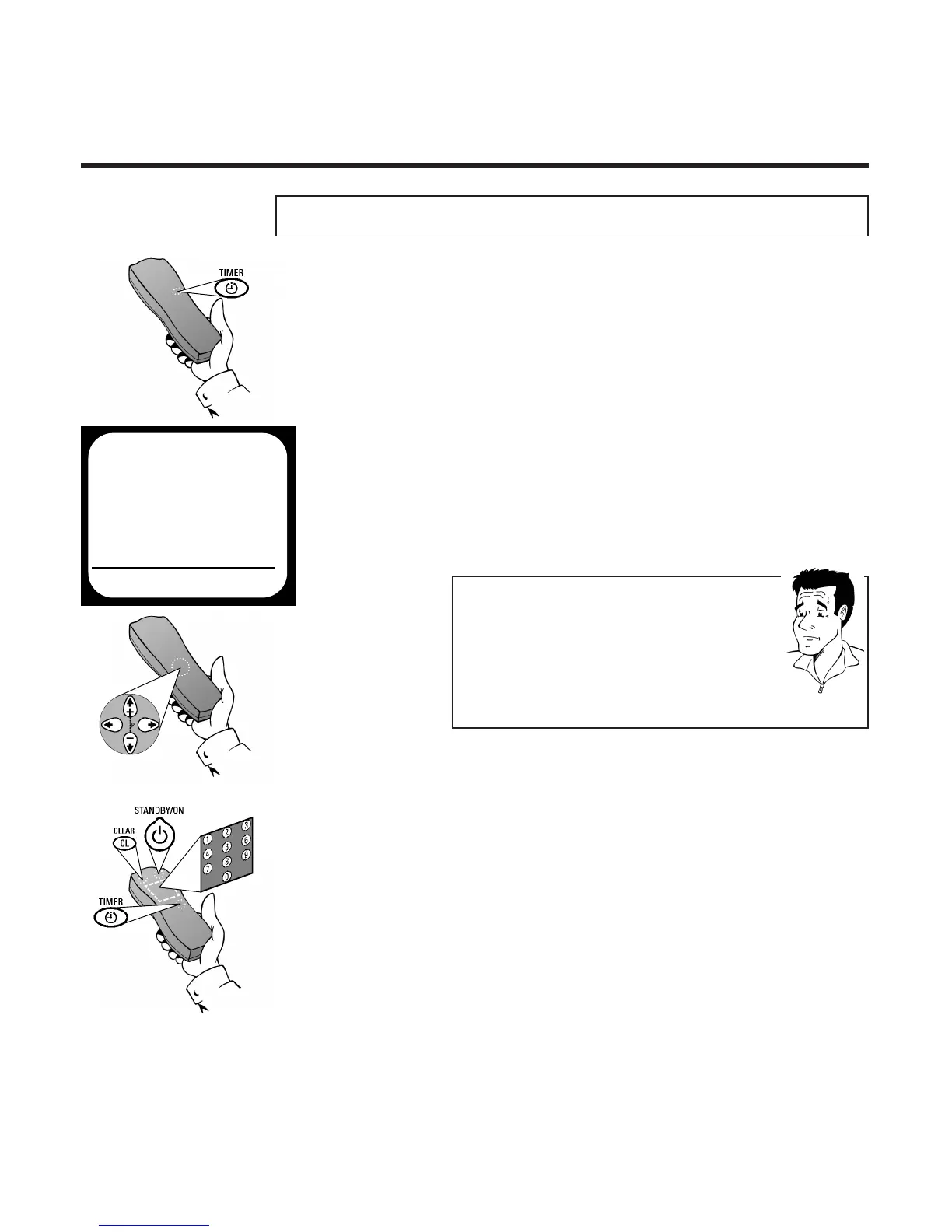
1 Press the
TTIIMMEERR
button k twice on the
remote control
2 Use the buttons
==PP--
or
;;PP++
to select the
memory location in the display which you
want to check/change/delete
WWhhaatt iiss aa mmeemmoorryy llooccaattiioonn??
For technical reasons, your video recorder has access
to a limited number of drawers in which you can
store your programming requirements. Drawers
occupied by programme recording details are only
available for use again after the video recorder has
successfully completed a programmed recording or if
it has been manually deleted.
PP
AARRDDOONN
??
TIMER
VPS
DATE REP. PROG. START PDC END
21 ONCE 01 20:00 * 21:30
EXITPMENU CHANGEPTIMER
2x



 To Next Page