REMOTE CONTROL ENGLISH
2
2
RReemmoottee ccoonnttrrooll
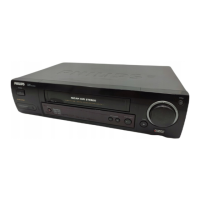
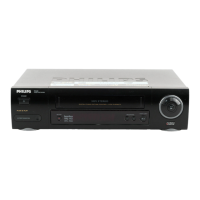
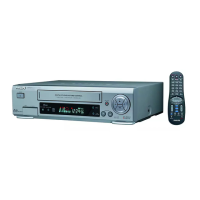
You will find explanations for
the controls and the displays
on your video recorder on the
second to last page of these
operating instructions.
TTIIPP
AAcccceessssoorriieess
4 Operating instructions
4 Quick Start Guide
4 Remote control
4 Batteries
4 Aerial cable
4 Mains cable
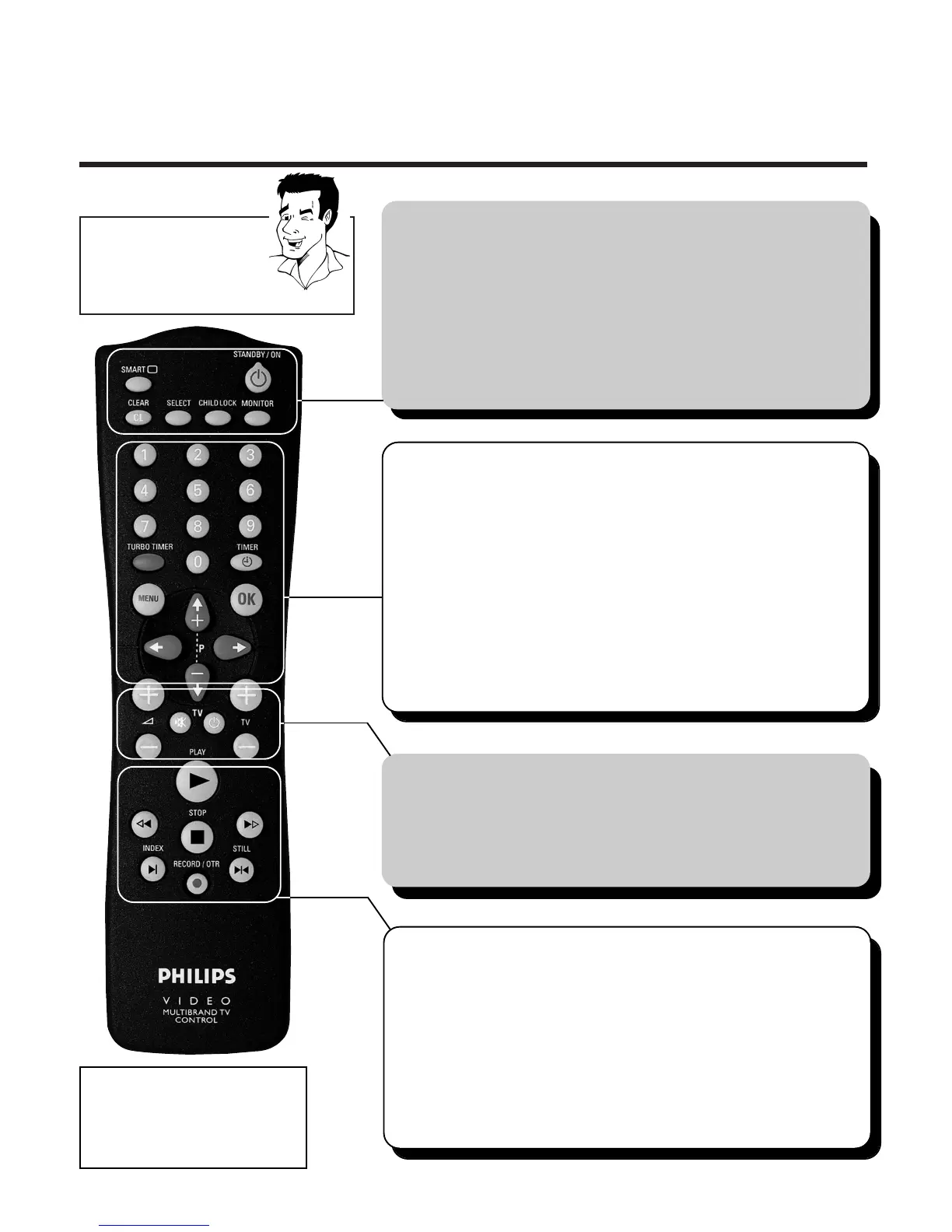
SSMMAARRTT **
ä Select picture adjustment
SSTTAANNDDBBYY//OONN mm
ä Switch set on / off
ä Interrupt function
ä Interrupt programmed recording
CCLLEEAARR // CCLL
ä Delete entry
ä Delete programmed recording
SSEELLEECCTT
ä Select function
CCHHIILLDD LLOOCCKK uu
ä Activate / deactivate child lock
MMOONNIITTOORR
ä Change between TV reception and video
recorder reception
HH
ä In STOP or STANDBY mode: Rewind
ä In playback mode: Fast reverse
PPLLAAYY GG
ä Play back recorded cassette
II
ä In STOP or STANDBY mode:Wind forward
ä In playback mode: Fast forward
SSTTOOPP hh
ä Stop tape
RREECCOORRDD//OOTTRR nn
ä Starting recording manually
IINNDDEEXX EE
ä With
HH
or
II
: Searching for index
marking
SSTTIILLLL RR
ä Stop tape and show still picture
TTVV ffuunnccttiioonnss
++ SS --
ä Increase / reduce TV volume
yy// TTVV
ä Switch sound on / off
TTVV //
mm
ä Switch TV on / off
++ TTVV --
ä Select next / previous programme number
00--99
ä Enter data
ä Select programme number
TTUURRBBOO TTIIMMEERR
ä Programme Turbo Timer recordings
TTIIMMEERR kk
ä Programme recordings
ä Check / change recordings
ä Delete recordings
MMEENNUU
ä Switch main menu on / off
OOKK
ä Store
ä Confirm
;;
PP++ //
==
PP--
ä Select next / previous menu point
ä Select next / previous programme number
QQ // PP
ä Select entry field



 To Next Page