SEARCHING FOR TAPE POSITION / FIND BLANK PART OF TAPE ENGLISH
22
22
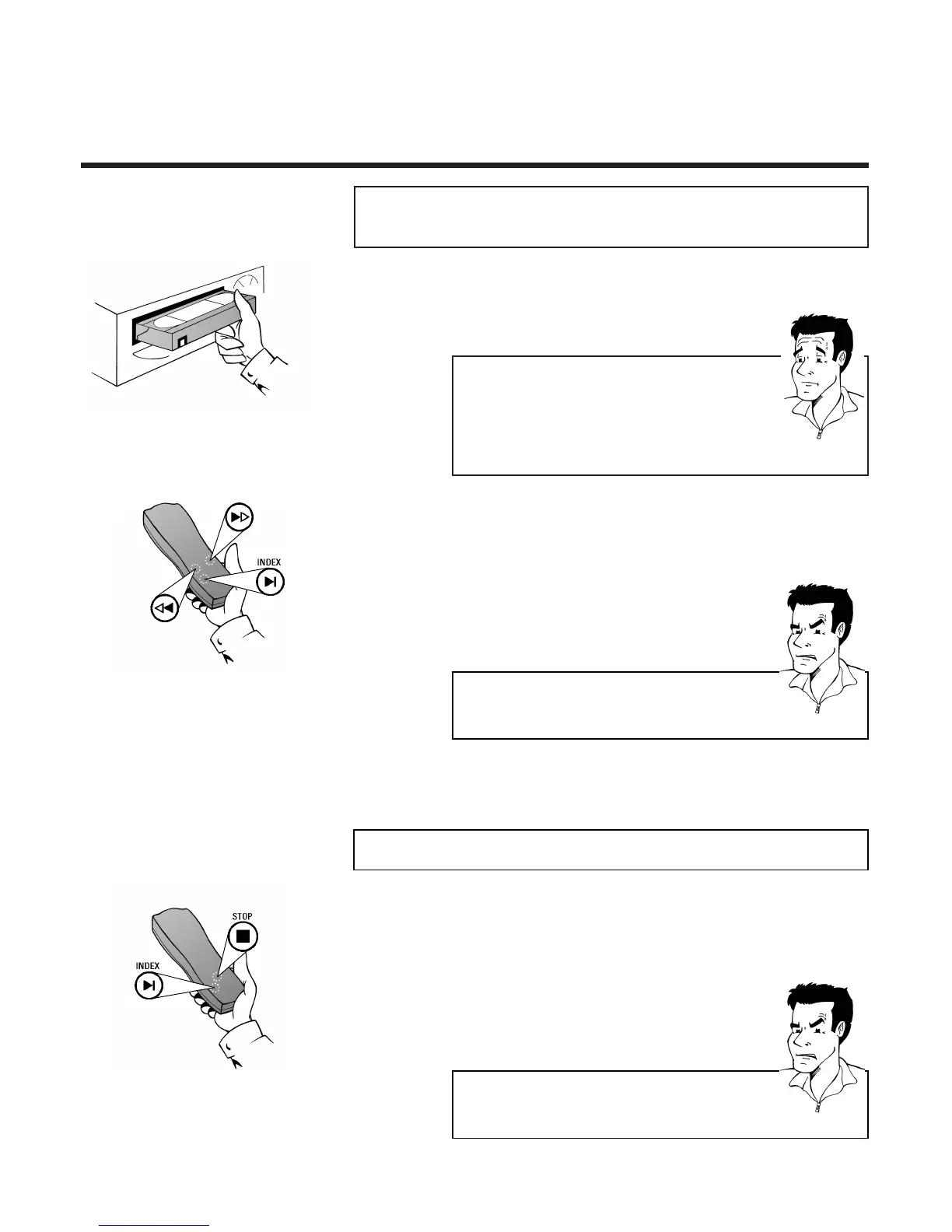
1 Insert a tape recorded on this video recorder
or on another set with index marking
SSeeaarrcchhiinngg aauuttoommaattiiccaallllyy ffoorr ttaappee ppoossiittiioonn
((iinnddeexx sseeaarrcchh))
2 Press the Index button E and then I
(next index marking) or H (previous index
marking)
PP
AARRDDOONN
??
WWhhaatt iiss aann iinnddeexx mmaarrkkiinngg??
At the start of each new recording the video recorder
automatically places a magnetic marking - similar to a
bookmark - at the appropriate place on the tape.
These positions can be found again quickly and easily
later by pressing a button.
1 Press the Index button E and then the Stop
button h
FFiinnddiinngg aa bbllaannkk ppoossiittiioonn oonn ttaappee aauuttoommaattiiccaallllyy
2 The video recorder searches for the next
blank part - longer than one minute - of the
tape and automatically switches to pause
PPRROOBBLLEEMM
88 TThhee ccaasssseettttee iiss eejjeecctteedd
44
The video recorder was unable to find any blank
space on the tape inserted
3 The video recorder searches for the desired
index marking and automatically switches to
playback
PPRROOBBLLEEMM
88 TThhee ttaappee hhaass bbeeeenn ssttooppppeedd
44
The video recorder was unable to find an index
marking on the tape inserted.



 To Next Page