ENGLISH DISPLAY / RESET / FIND TAPE POSITION
21
21
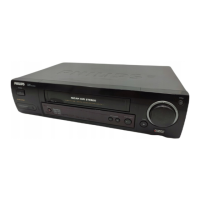
1 During playback press H (rewind) or I
(forward)
SSeeaarrcchhiinngg ffoorr ttaappee ppoossiittiioonn wwiitthh ppiiccttuurree
((ppiiccttuurree sseeaarrcchh))
2 Interrupt the search wherever you like with
the Playback button G
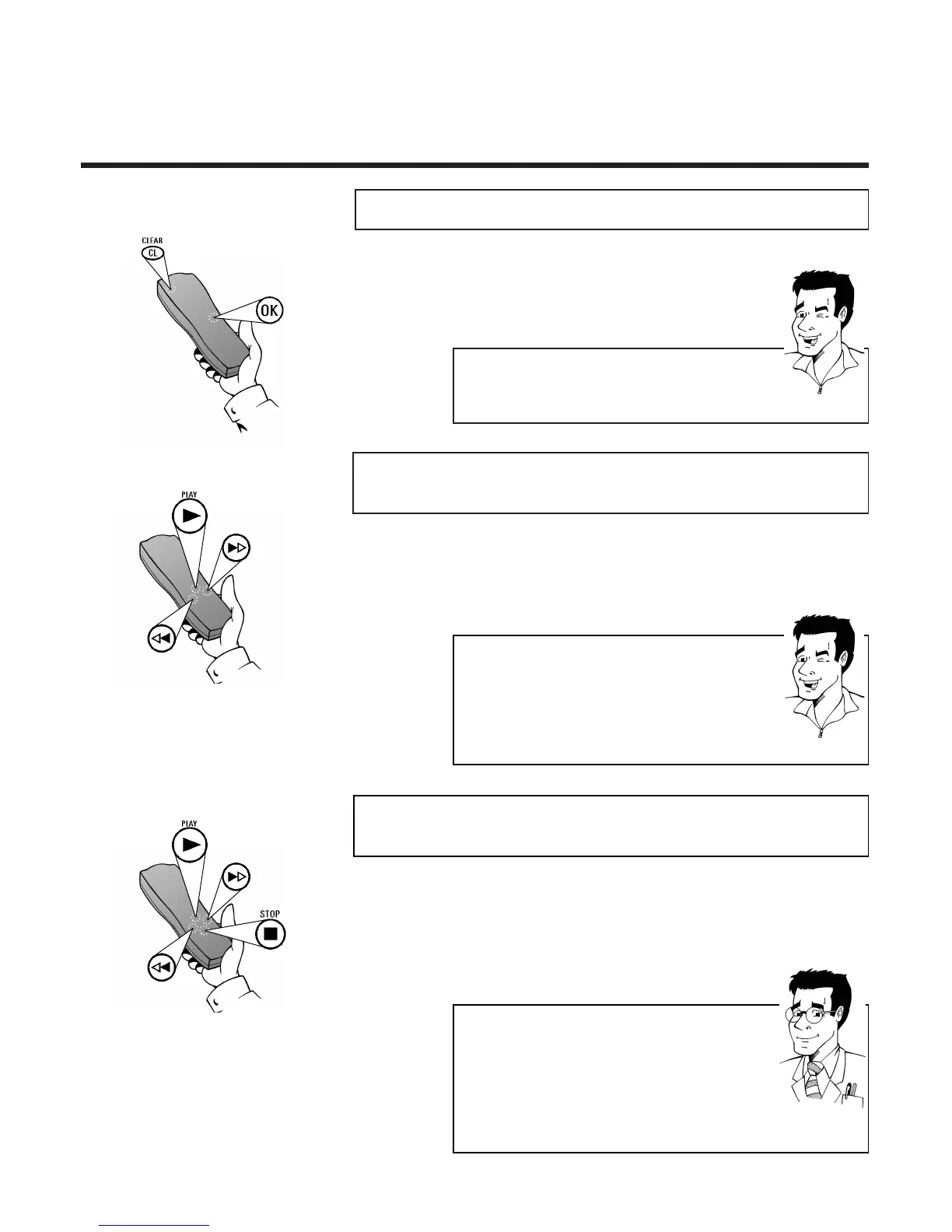
DDiissppllaayy // rreesseett ttaappee ppoossiittiioonn
Call up:
OOKK
Reset:
CCLLEEAARR ((CCLL))
(only in the
LINEAR display mode)
TTIIPP
AAuuttoommaattiicc rreesseett
Whenever a cassette is inserted the display is
automatically reset to 00:00:00.
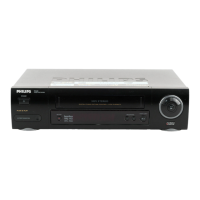
1 Stop the tape with the Stop button h
SSeeaarrcchhiinngg ffoorr ttaappee ppoossiittiioonn wwiitthhoouutt ppiiccttuurree
((ffoorrwwaarrdd wwiinndd aanndd rreewwiinndd
3 Interrupt the search wherever you like with
the Playback button G
2 Press H (rewind) or I (forward)
FFOORR
EEXXPPEERRTTSS
SSwwiittcchhiinngg bbeettwweeeenn rreewwiinndd // ffoorrwwaarrdd wwiinndd aanndd
ppiiccttuurree sseeaarrcchh ((iinnssttaanntt vviieeww))
When winding the tape backwards or forwards if you
hold down H (rewind) or I (forward wind), the
set will immediately switch without a break to
picture search (with picture). When you release the
rewind or forward wind button the rewind or
forward wind process (without picture) will continue
TTIIPP
RReedduucceedd qquuaalliittyy
During picture search the picture quality is affected.
The sound is switched off.
DDiiffffeerreenntt sseeaarrcchh ssppeeeeddss
If you press H or Press I twice, the search speed
will increase.



 To Next Page