ENGLISH MAKING A DIRECT RECORDING
31
31
MMaakkiinngg aa ddiirreecctt rreeccoorrddiinngg
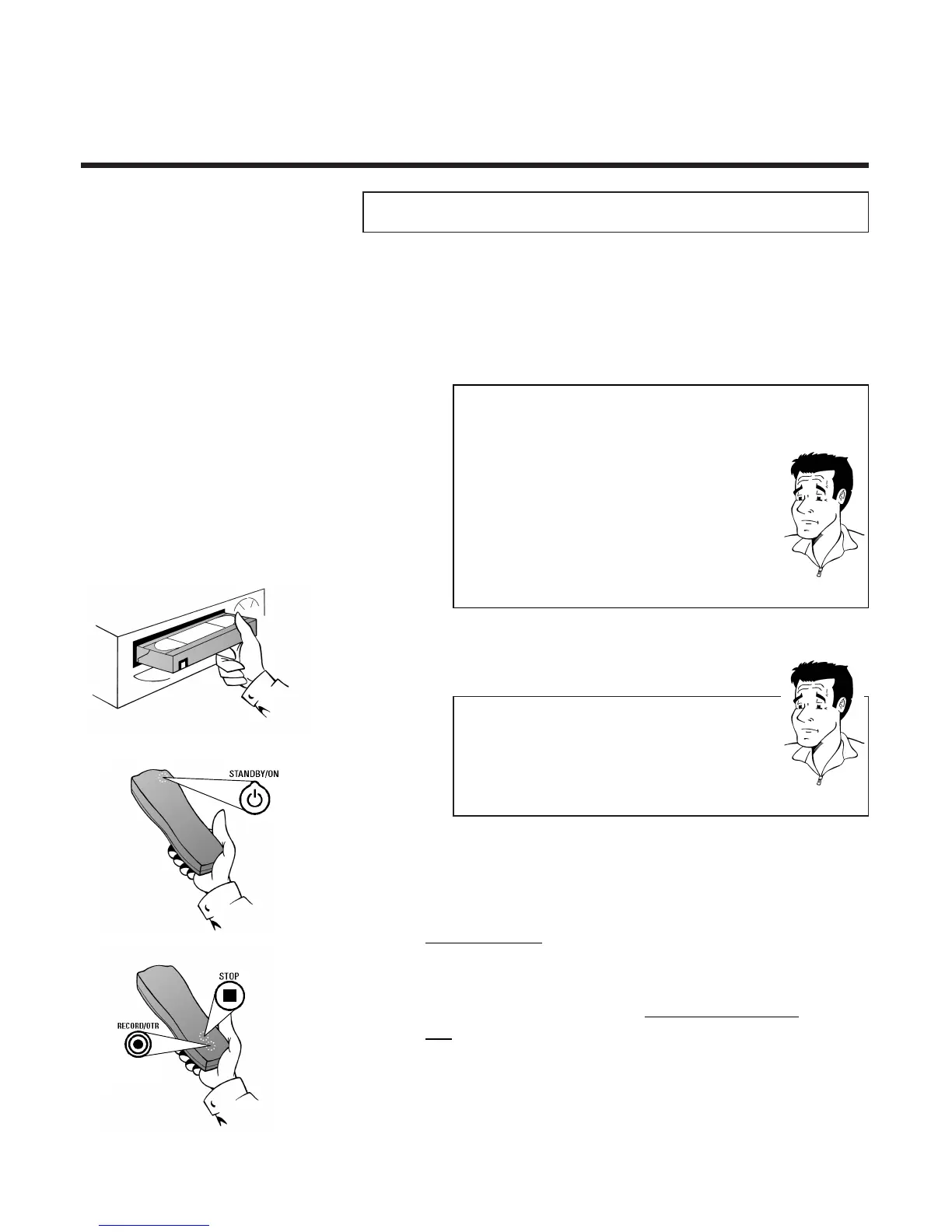
1 The direct record function must be activated
in the on-screen menu (see previous page). No
direct recordings can be made unless this func-
tion has been activated
2 Insert a cassette without erase protection
PP
AARRDDOONN
??
WWhhaatt iiss eerraassee pprrootteeccttiioonn??
VHS cassettes can be protected from over-recording by
breaking off a thin strip of plastic (arrow).This erase pro-
tection can be overridden by sticking one or more strips
of adhesive tape tightly over the gap which has been
created.
3 Switch off the video recorder with the Standby
button
mm
4 On the TV set, select the channel for the pro-
gramme you wish to record
5 Press the Record button n on the video r
ecor-
der.The video recorder recognises the TV chann-
nel on the TV set and automatically records the
correct programme
PP
AARRDDOONN
??
WWhhaatt iiss DDiirreecctt RReeccoorrdd??
The Direct Record function means you can record in
seconds when the video recorder is switched off.When
the record button is pressed, the video recorder auto-
matically recognises which TV channel has been selec-
ted on the TV set and starts to record the correspon-
ding programme.
RReeqquuiirreemmeennttss:: 11.. TThhee TTVV sseett aanndd vviiddeeoo rreeccoorrddeerr aarree
ccoonnnneecctteedd wwiitthh aa ssccaarrtt ccaabbllee!! 22.. TThhee TTVV sseett ssuuppppoorrttss
tthhee EEaassyylliinnkk ffuunnccttiioonn.. 33.. TThhee DDiirreecctt RReeccoorrdd ffuunncc--
ttiioonn hhaass bbeeeenn aaccttiivvaatteedd iinn tthhee oonn--ssccrreeeenn mmeennuu.. 44..
TThheerree iiss aa ccaasssseettttee rreeaaddyy ffoorr rreeccoorrddiinngg iinn tthhee mmaacchhiinnee!!
6 End the recording by pressing the Stop button h
ä



 To Next Page