E
NGLISH
S
TILL PICTURE
/
SLOW MOTION
23
23
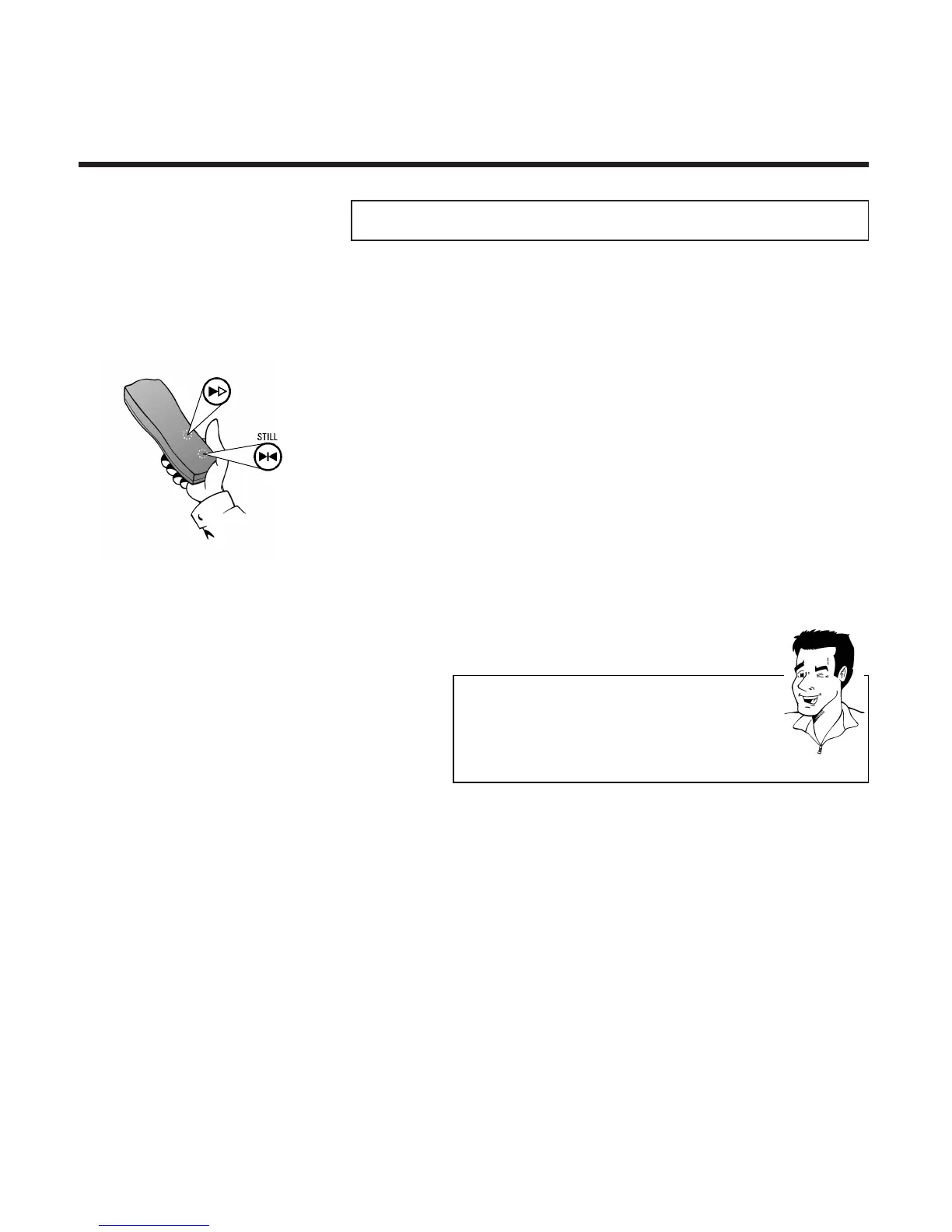
1 To stop the picture, press the Still button R
during playback
SSttiillll ppiiccttuurree // ssllooww mmoottiioonn
2 Keep R pressed down to play back the
picture in slow motion or press R several
times in succession in order to move the
picture forward frame by frame
3 Press I once to start automatic slow
motion playback
TTIIPP
IInnccrreeaassee ppllaayybbaacckk ssppeeeedd
In automatic slow motion mode press I several
times to increase the playback speed.
NNoo ssoouunndd dduurriinngg ssllooww mmoottiioonn
During slow motion there will be no sound
4 To resume playback press the Play button G,
to stop the tape press the Stop button h



 To Next Page