28 EN
4.2 Battery charging
Connect to computer
1 Prior to charging, please slide power switch to ON
position.
2 Connect the device to PC through USB cable or use
special charger to recharge.
The battery indicator shows a battery icon turning from
empty to full repeatedly, indicating that the device is
recharging, with orange charging indicator being lit.
The device can be fully charged in around 3 hours.
The orange charging indicator is not displayed when the
device is fully charged.
During charging, the device cannot be used to record or
playback.
When moving files into or out of the device, please do
not disconnect the device from the computer.
Note
Note
•
•
•
•
•
The device can be used as a USB mass storage to
conveniently store, back up and move files. Link the device
to a computer with a USB cable, the voice recorder can
automatically be recognized as a portable device without the
need to install any software.
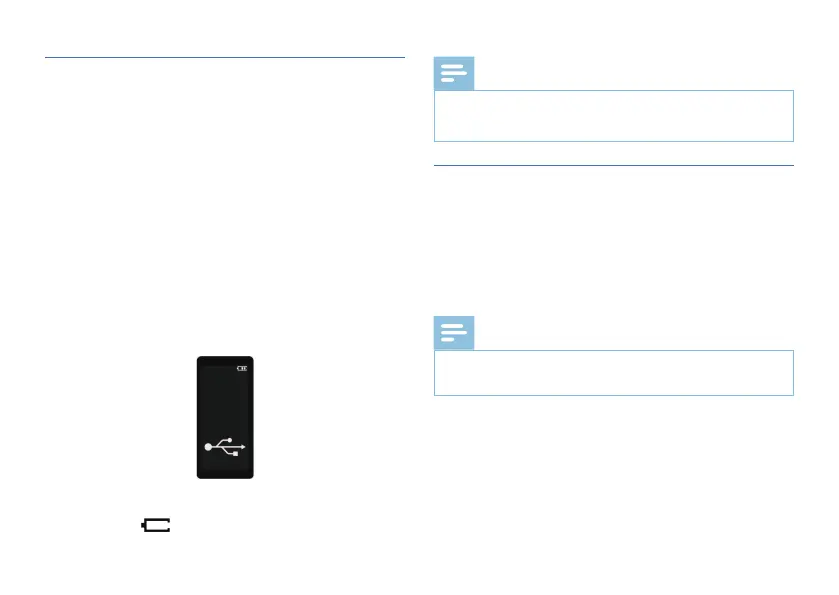
USB connection and charging interface:
When the power switch is slide to the OFF position, the
battery symbol will not be displayed.














 To Next Page