34 EN EN 35
English
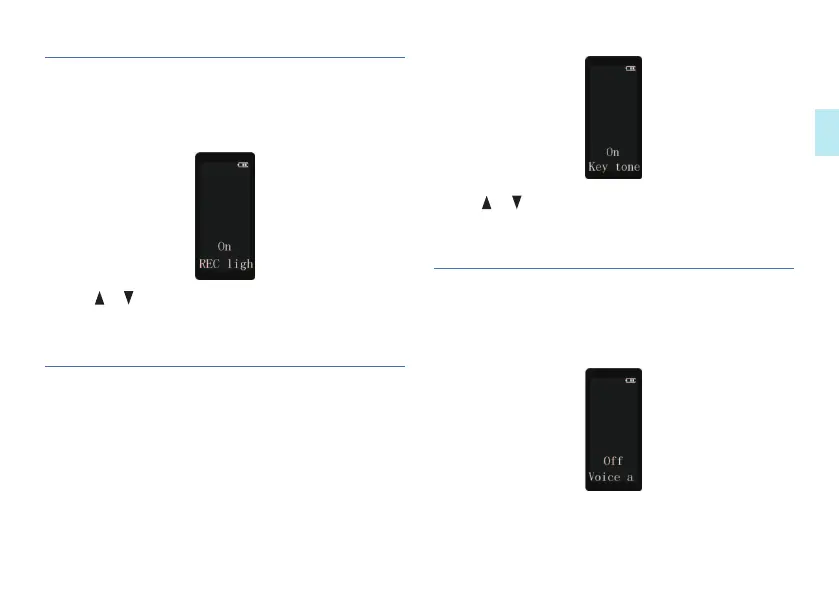
1 Short press MENU button to enter record light setting
interface, as below:
2 Press or to select “On” or “Off”.
3 Press MENU to confirm and enter the next menu.
7.2 Record light
1 Short press MENU button to enter device sounds setting
interface, as shown in the following figure:
7.3 Key tone
1 Short press the MENU to enter voice-activated settings
interface, as shown in the following figure:
7.4 Voice-activated recording
2 Press or to select “On” or “Off”.
3 Press MENU to confirm and enter the next menu.














 To Next Page