38 EN EN 39
English
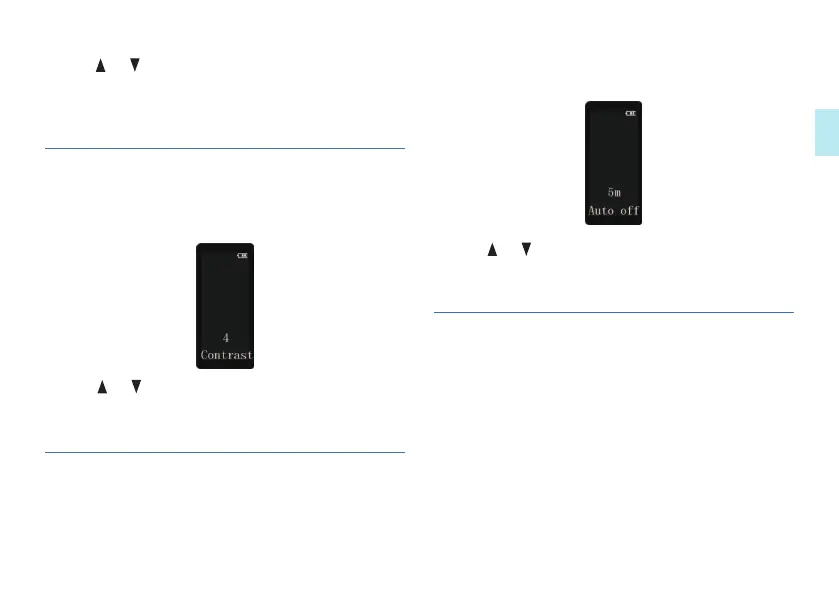
1 Short press on the MENU to enter the contrast setting
interface, as shown in the following figures:
7.11 Display contrast
2 Press or to select “Off”, “15s”, “30s”, “45s” and
“60s”.
3 Press MENU to confirm and enter the next menu.
2 Press or to adjust numerical value.
3 Press MENU to confirm and enter the next menu.
The device switches off automatically if no key is pressed
within a preset period of time. This saves power.
7.12 Auto power-off
2 Press or to select “5m” or “15m”.
3 Press MENU to confirm and enter the next menu.
1 It is be used for check remaining time for recording.
2 To enter the remaining time checking interface,
short press the MENU, as shown in the following
figures:
7.13 Remaining recording time
1 Short press on the MENU to enter the auto power-off
setting, as shown in the following figures:
•














 To Next Page