40 EN
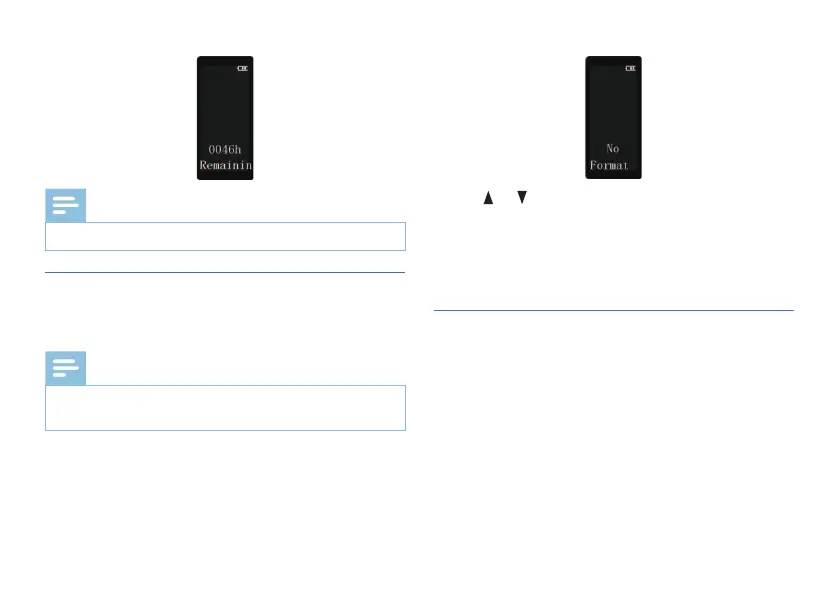
It is used for formatting the internal storage of the device.
7.14 Format memory
Different record types vary in remaining time.
Prior to formatting, please backup important data or
files in advance.
Note
Note
•
•
2 Press or to select “Yes” or “No”.
3 Press MENU to confirm the formatting,
when you selecting “YES”;
if press MENU with “No”, it will cancel the formatting
and enter the next menu.
It is used for checking the version of firmware and the date.
1 To enter the firmware version checking interface,
on the stop interface of music mode, consecutively
short press on the MENU as shown in the following
figures:
7.15 Information
1 Short press on the MENU to enter the clear memory
interface, as shown in the following figures:
•
•
•














 To Next Page