38 EN
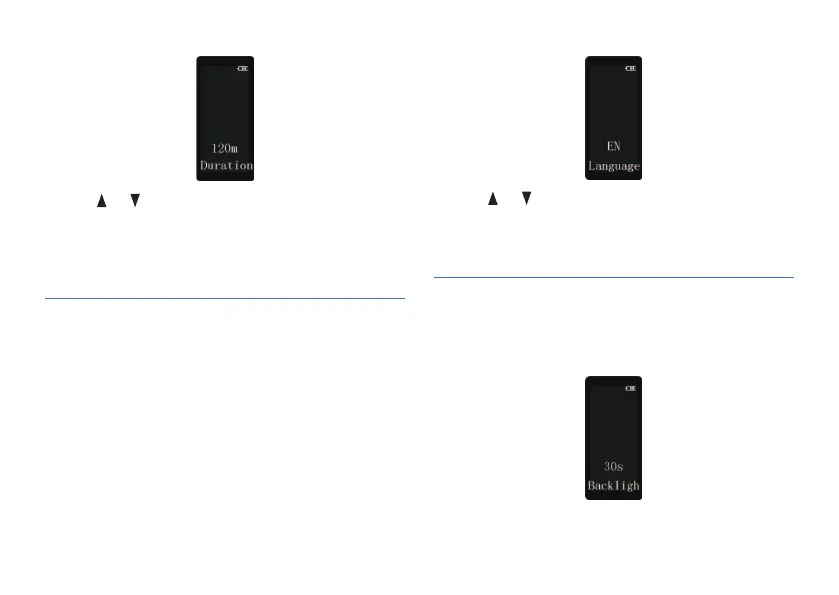
It is used for setting the system language.
1 Short press on the MENU to enter the language setting
interface, as shown in the following figures:
7.9 Language
2 Press or button to select “0 m”(to disable auto save),
“30 m”(to auto save at a 30 min interval), “60 m”(to auto
save at a 60 min interval), “120 m”(to auto save at a 120
min interval), press MENU to confirm and enter the next
menu.
2 Press or to select “Simplified Chinese” (S-C),
“Traditional Chinese” (T-C) or “English” (EN).
3 Press MENU to confirm and enter the next menu.
1 Short press on the MENU to enter the backlight time
setting, as shown in the following figures:
7.10 Display backlight














 To Next Page