4
This device shall only be operated
as a built-in device. Its fields of appli-
cation are industrial processes and
controls for manufacturing lines in
the metal, wood, plastic, paper, glass
and textile industry, and similar appli-
cations.
Overvoltages at the screw terminals
of the device must be limited at the
values of the overvoltage category II.
If the device is used for monitoring
machines or process flows, in which
a breakdown of the device or an
operating mistake might lead to
machine damages or operator acci-
dents, the user must take suitable
safety measures.
2.1 Intended Purpose
3 Start-up
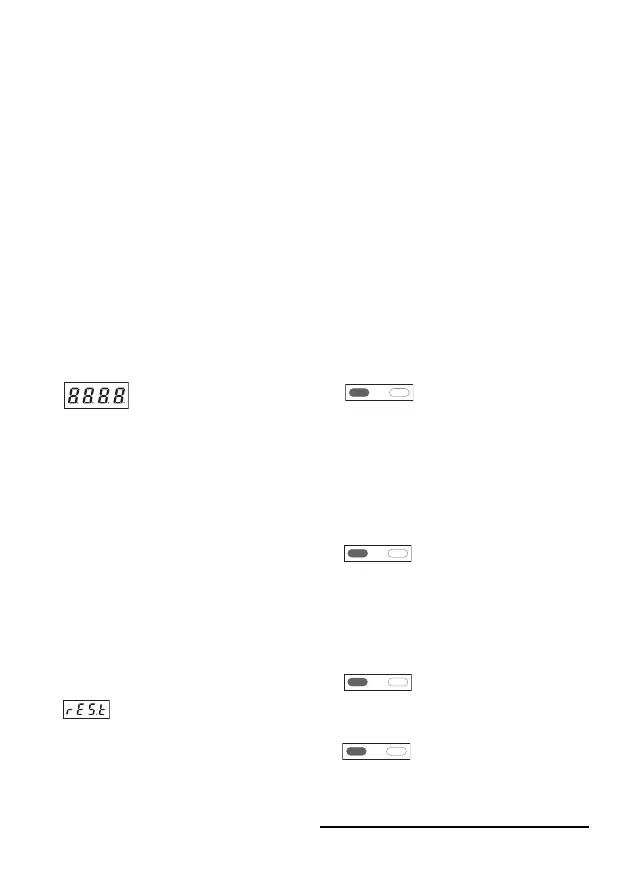
After powering the device, the following
message is displayed for 2 seconds:
Then the device type is displayed for
2 seconds, followed by the software
version, also for 2 seconds. After
reading the EEPROM, the device
switches to the operating mode.
3.1. Reset, Back to Factory Setting
Press both keys simultaneously and
power the device: the following mes-
sage appears on the display:
The device is reset to the factory
settings and is now ready for opera-
tion.
3.2. Programming and Operation of
the Setpoint Generator With the
2 Keys
While programming, press both keys
simultaneously to switch over to the
following parameter.
Within a parameter, confirm an input
also by pressing both keys.


 To Next Page
 Loading...