56 57
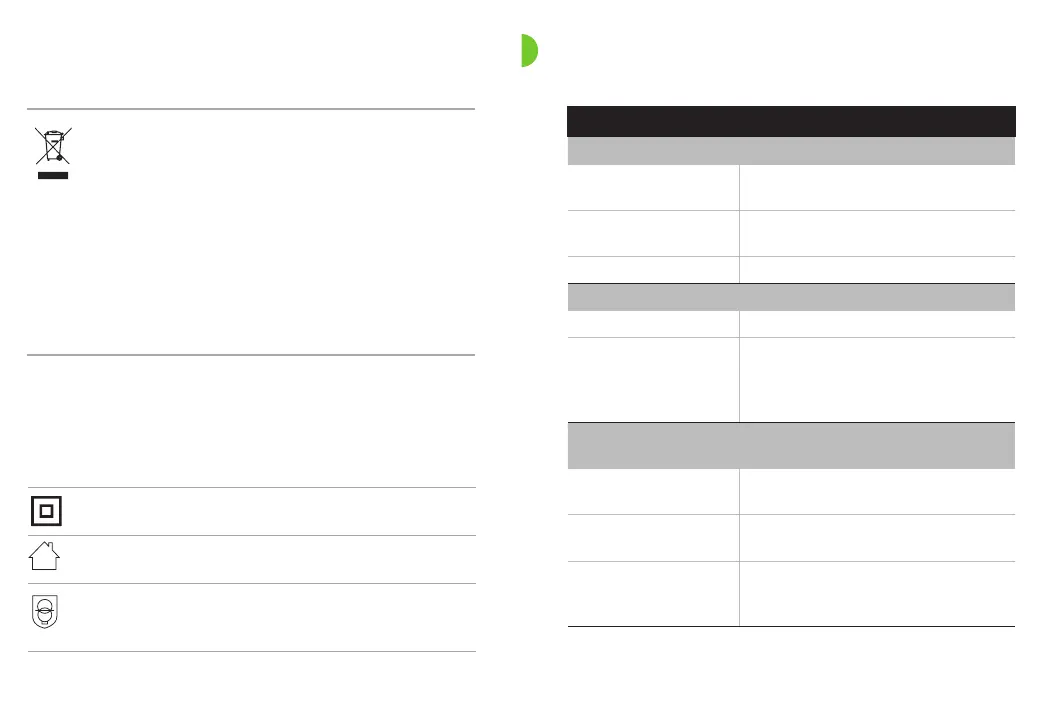
The symbol with the crossed-out garbage bin
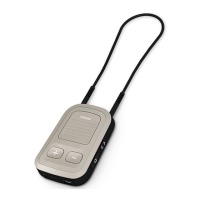
is to make you aware that this CROS device
as well as the charger may not be thrown
away as normal household waste. Please
dispose of old or unused CROS device and
charger, at waste disposal sites intended for
electronic waste, or give your CROS device
and charger to your hearing care professional
for disposal. Proper disposal protects the
environment and health.
Symbols applicable to the European power supply only
Power supply with double isolation.
Device designed for indoor use only.
Safety isolating transformer, short circuit
proof.
23. Troubleshooting
Cause Possible remedy
Issue: CROS system not functioning
Speaker/earpiece of
hearing aid blocked
Clean speaker opening/earpiece of hearing
aid
CROS device or hearing
aid is switched o
Press lower part of multi-function button
for 3 seconds (chapter 9)
Battery fully discharged Charge CROS device (chapter 4)
Issue: CROS device will not switch on
Battery fully discharged Charge CROS device (chapter 4)
Button was inadvertently
deactivated by pressing
the button longer than
15 seconds
Perform step 2 of the rebooting process
(chapter 15)
Issue: Indicator light on CROS device does not light up when CROS
device placed in charger
CROS device not inserted
correctly into charger
Insert CROS device correctly into charger
(chapter 4)
Charger not connected
to power source
Connect charger to external power supply
(chapter 3)
Battery fully discharged
Wait three hours after placing CROS
device in charger, regardless
of LED behavior



 To Next Page