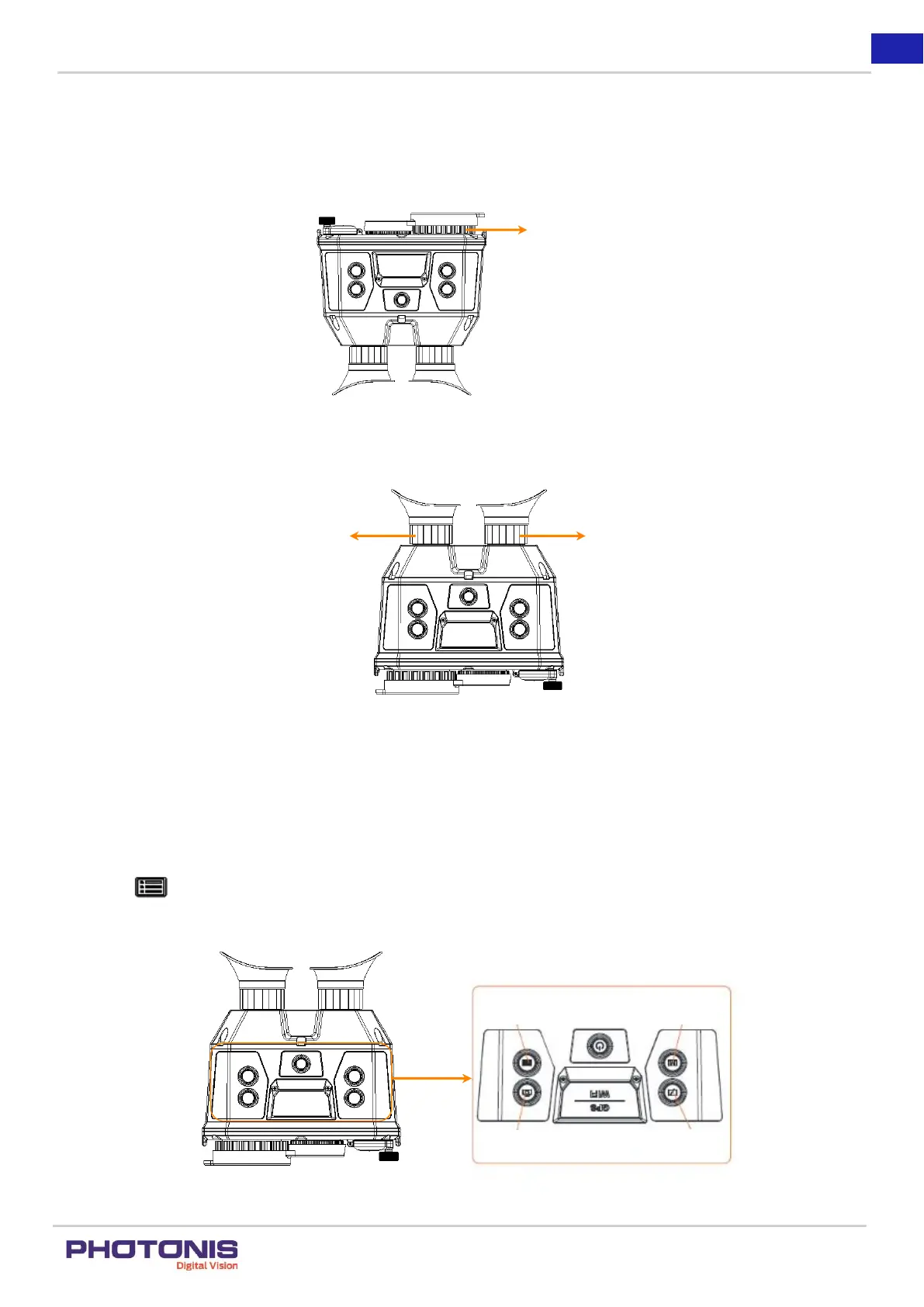
Step:
1. Slightly rotate the focus wheel to focus the objective lens.
Figure 9. Step 1.
2. Slightly rotate the focus wheel to focus the objective lens.
Figure 10. Step 2.
3. TacFusion Setup
3.1. Menu Description
Step:
Hold the button to show the menu bar.
In the menu, the right button, left button, OK button, and the cancel button are shown in the Figure 11.
Figure 11. Right, left, OK and cancel buttons.


 To Next Page