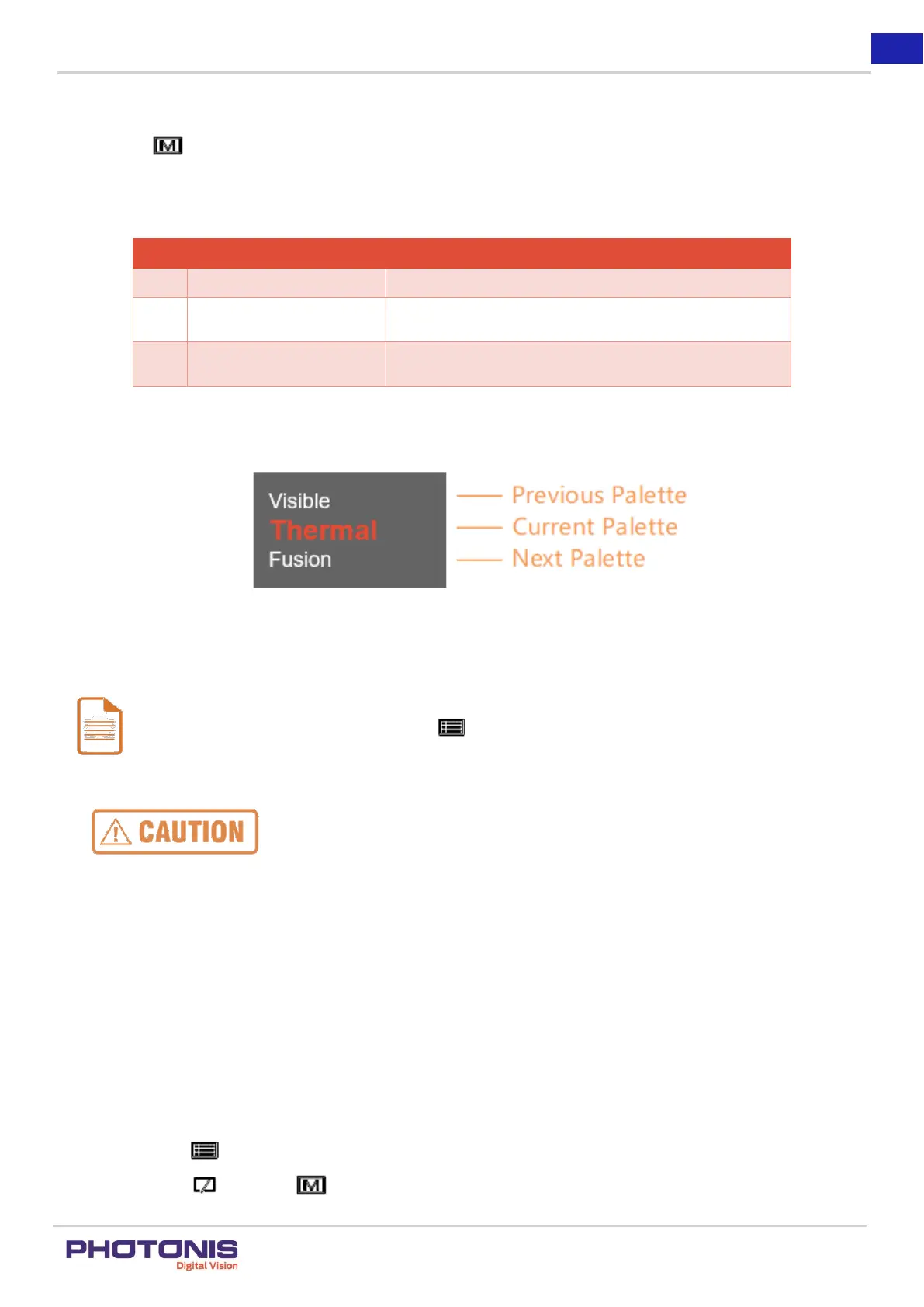
In visible mode, the device display the view of visible light
channel which sensitive for during day and night.
Figure 15. Palette setting.
Note:
The Thermal Mode in TacFusion has two different contrast theme namely White Hot Mode and Black Hot Mode. The
users can change these modes by pressing the button when using the Thermal Mode.
Please use the daytime pinhole cover on the visible imager during the day observation or bright
condition to avoid over-exposure of light.
3.6. Mobile application
The TacFusion can be controlled within 15 meter distance over mobile application based on iOS or Android system.
Steps:
1. Download and install the software in your mobile phone.
For iOS, search the Guarding Expert software in the App Store.
For Android, search the Guarding Vision software in the Play Store.
2. In the TacFusion, turn on the Hot Spot. Please follow the following instructions:
Hold the button to show the menu of TacFusion.
Press the button and button to move the cursor to Hot Spot submenu.


 To Next Page