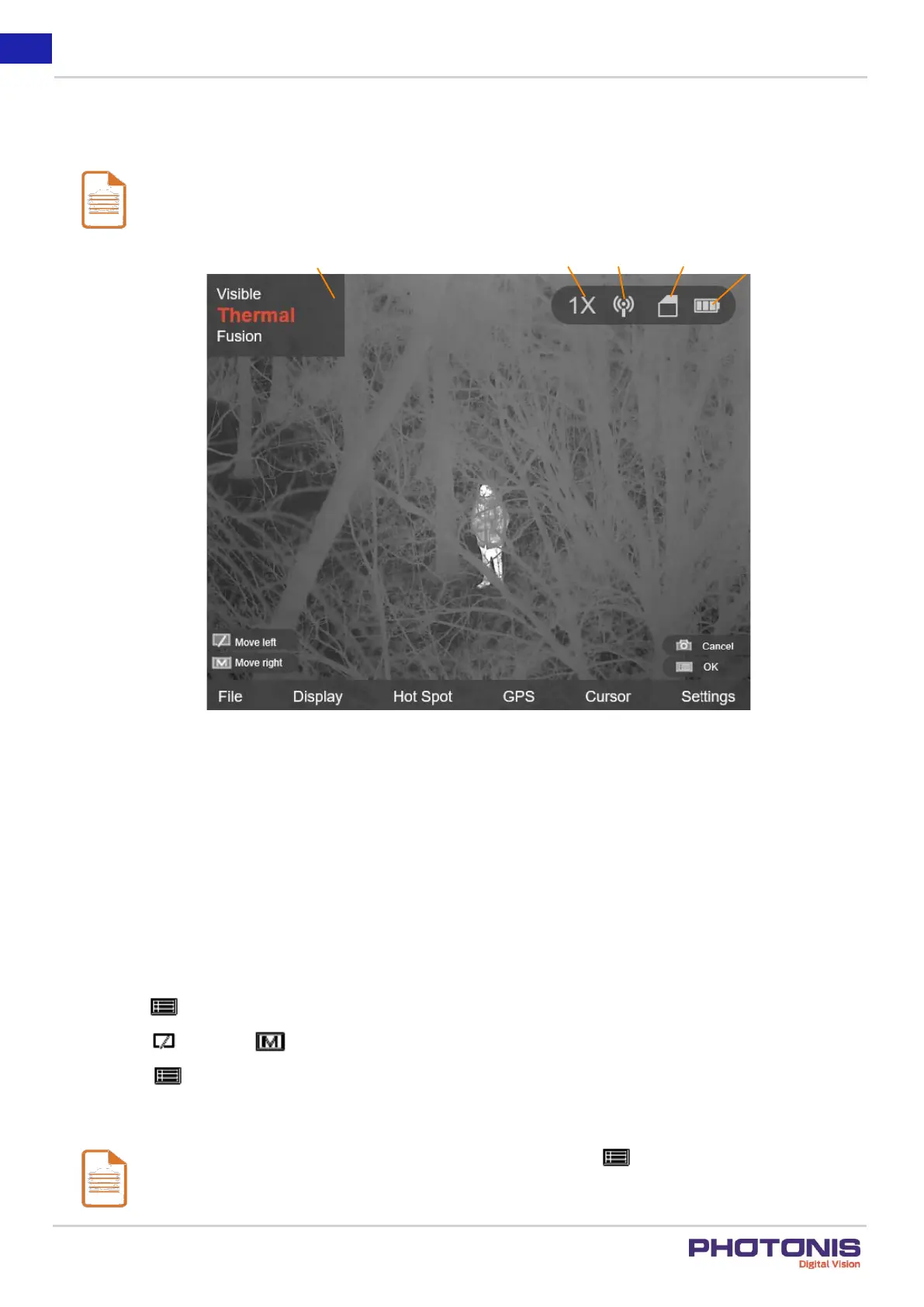
See Figure 12 for the menu interface.
Notes:
The Figure 12 is only for reference, the font size and icon are readjusted for better visualization.
Figure 12. Menu interface.
3.2. Local Output
Before you start:
Connect the TacFusion to the display unit via CVBS interface of the aviation plug. Refer to Section 2.4.
Purpose:
View the TacFusion image on the display unit for details.
Steps:
1. Hold the button to show the menu of TacFusion.
2. Press the button and button to move the cursor to Settings and open CVBS ON/OFF submenu.
3. Press the button to confirm.
Note:
To disable the local output, go to CVBS ON/OFF submenu and press the button.


 To Next Page