26
BM-170 Manual
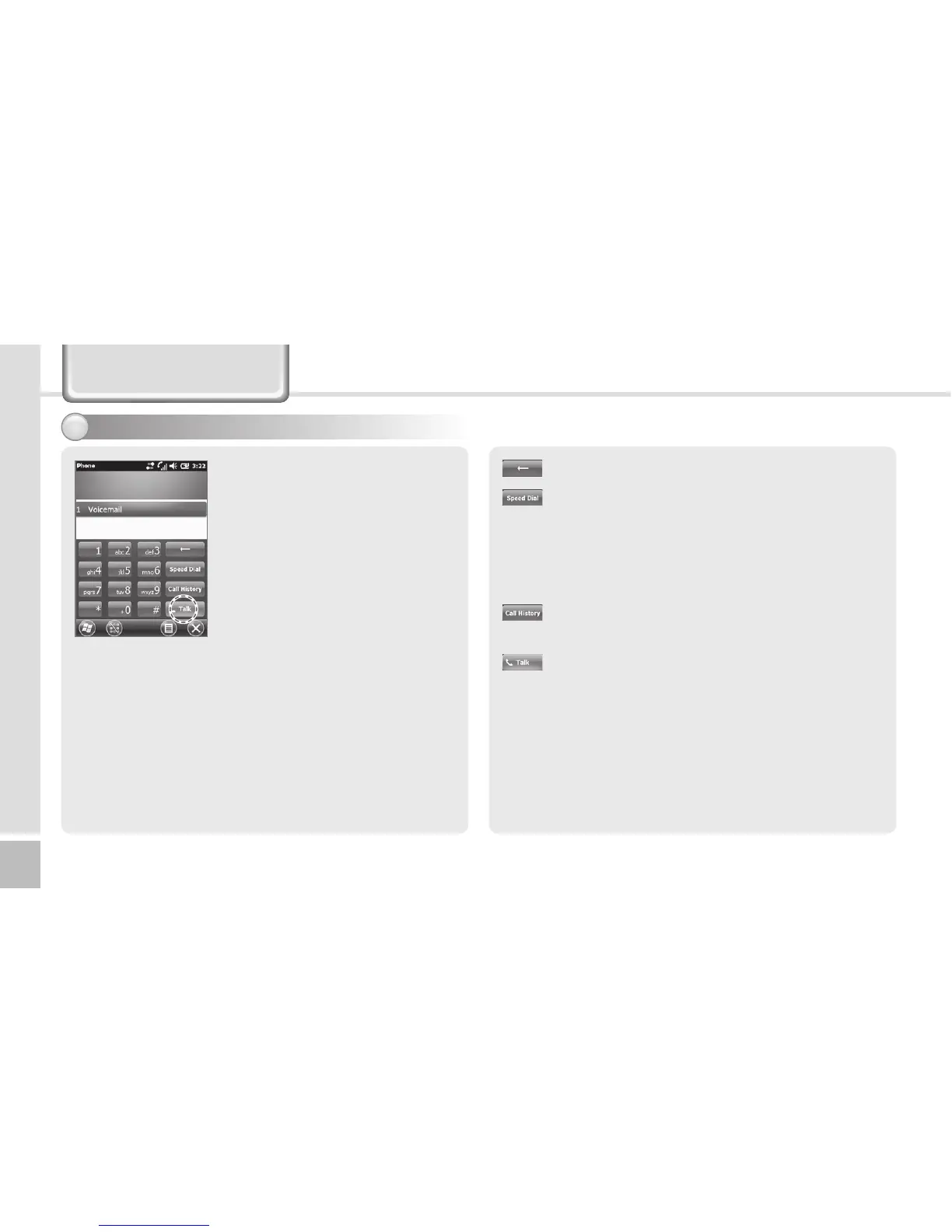
Execute the phone program by
selecting the [Phone] button,
enter a telephone number, and
press the [Call] button to make
a call.
Redialing
If you press the [Call] button
without entering a phone
number, the terminal
automatically makes a call to
the last call party.
Phone Program
: Cancel numbers one by one.
: You can make a call with speed dial number.
If you select menu in the bottom right of
the speed-dial screen, you can add/edit/
delete speed-dial numbers. (You can save up
to 98 speed-dial numbers.)
: You can view the list of received calls/
originated calls/missed calls.
: Enter a phone number and press this button
to make a call.
Making a call1



 To Next Page