BM-170
27
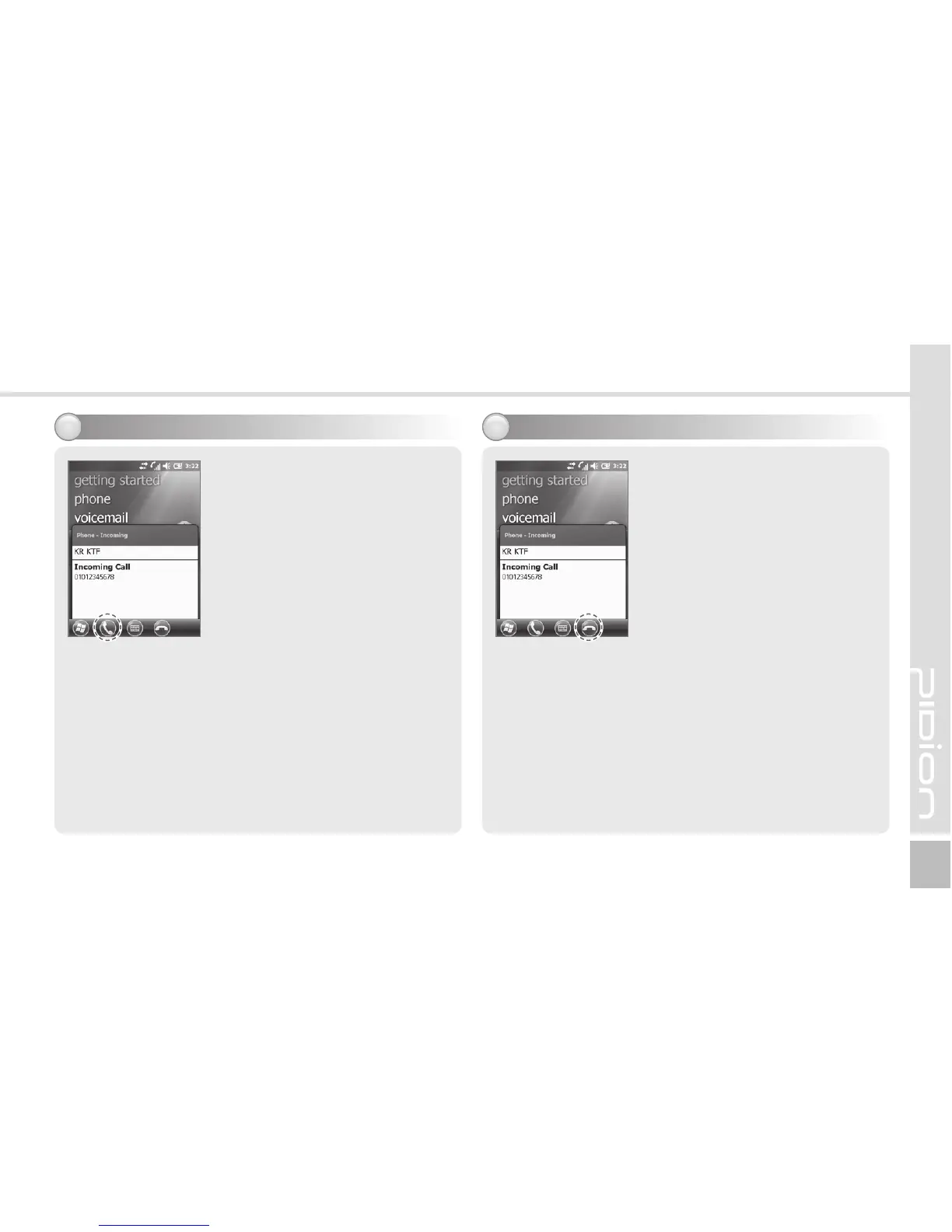
If the terminal rings and a call
receiving message is displayed,
click the [Call] button or select
the [Answer] button in the
bottom of the screen.
※
The calling party information message can be
indicated differently from the one of normal
phones.
※
The phone functions are the same as the normal
phones. Refer to p.15 if you wish to use an
earphone.
Select the [Ignore] button in
the bottom of the screen or
press the [End] button on the
keypad to cut off an incoming
call.
The reception sound gets
blocked when the volume
botton is pressed for a short
time.
Rejecting calls3Receiving a call2



 To Next Page