BM-170
47
The list of programs installed personally or by the
company, except the basic programs, is displayed.
▶
Settings
▶
System
▶
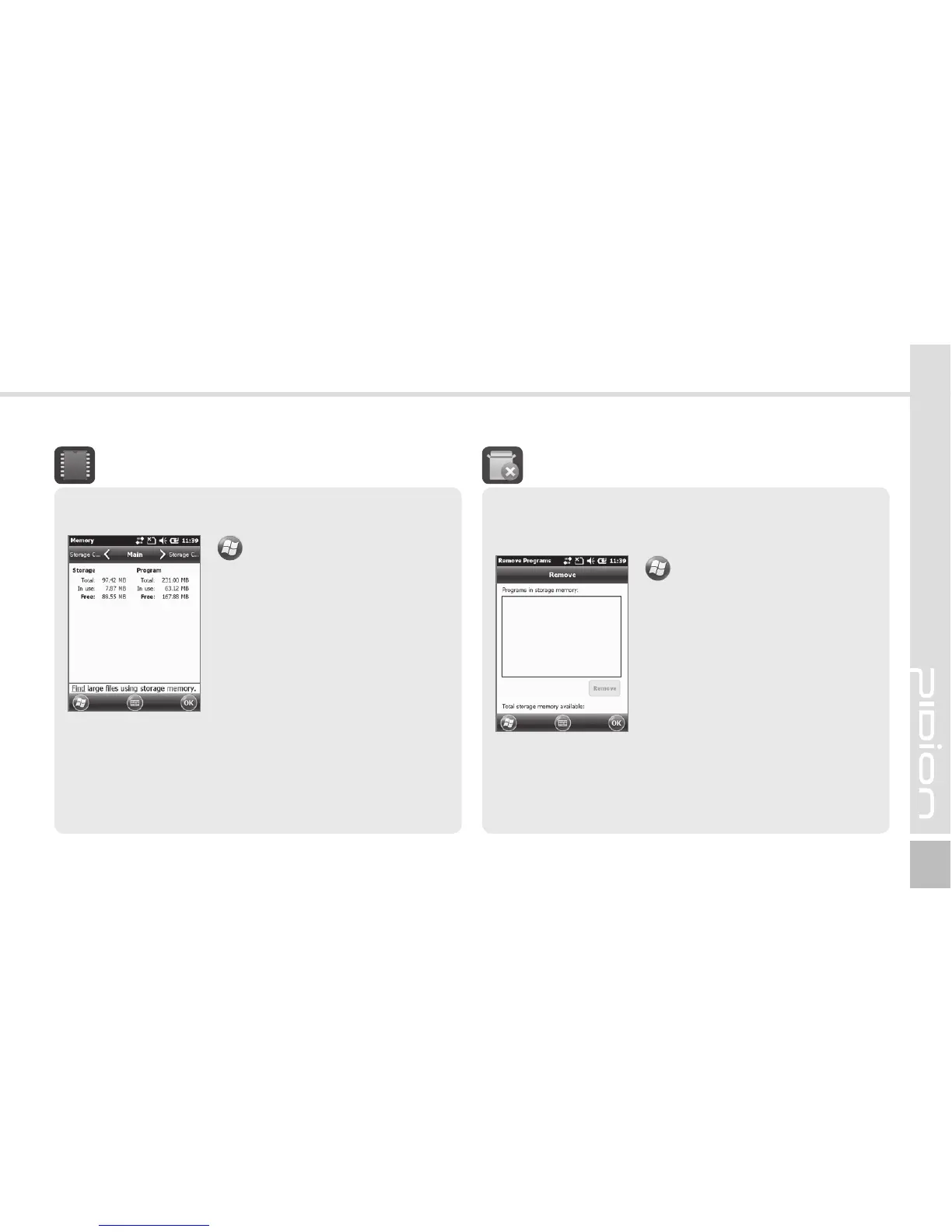
Remove Programs
Select the program you wish to
uninstall, and then, select the
[Remove] button.
Remove Programs
Current status of memory (In use, Free) is displayed.
▶
Settings
▶
System
▶
Memory
Main
You can find Total / In use /
Free for memory storage and
program.
Storage Card
You can find the status (In use
/ Free) of the MicroSD memory
and ProgramStore.
Memory



 To Next Page