48
BM-170 Manual
Settings
General
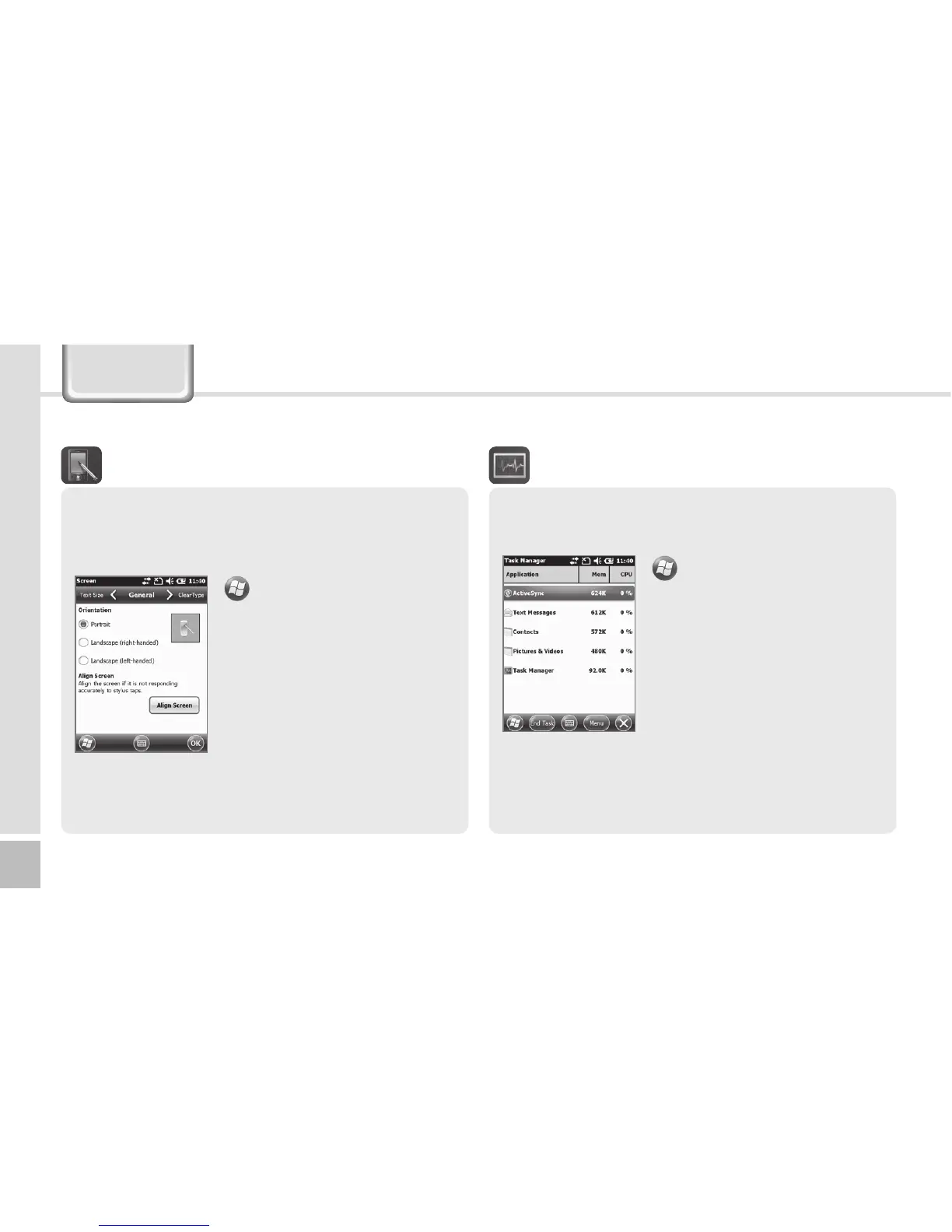
Switch the screen to Portrait / Landscape
(righthanded) / Landscape (left-handed).
Text Size
The text size displayed on the screen can be set by
5 steps.
▶
Settings
▶
System
▶
Screen
If you select the [Align Screen]
button, you can reset the stylus
pen points.
See p.14 for details.
Screen
The list of the programs in use and the memory
status are displayed.
▶
Settings
▶
System
▶
Task Manager
With the menu, you can exit all
or specific programs.
Task Manager



 To Next Page